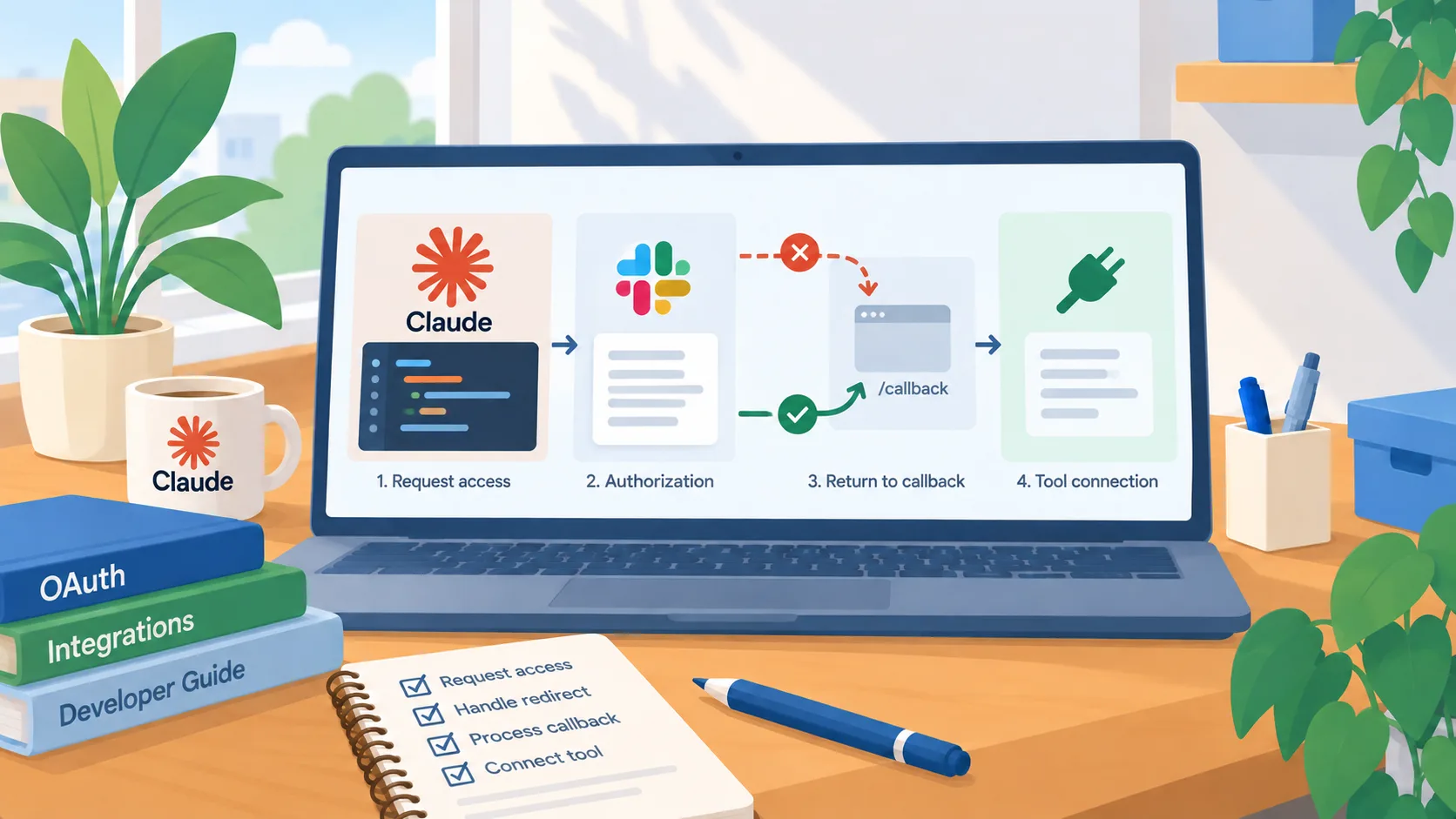
The fix targets a specific OAuth flow
Anthropic’s Claude Code v2.1.231 release notes, dated August 13, list a fix for MCP OAuth sign-in failures involving a redirect URI mismatch on servers that use a pre-registered OAuth client, such as Slack. This is a focused integration repair, not a new capability or a promise that every MCP sign-in issue is resolved. Teams affected by that exact failure can use the release note to decide whether to test the updated client.
For a business, an agent integration is only useful if employees can authenticate through the intended account and permission model. If a connection fails, the quick workaround can be tempting: use a shared token, a different account, or an administrator’s credentials. That can hide the original problem while broadening access and making it harder to trace which person authorized the action. A narrow compatibility fix is a reason to retest the proper flow before inventing a workaround.
Check the affected integration before changing access
First confirm the environment matches the release note: Claude Code version, MCP server, OAuth registration type, and the error message. A redirect mismatch points toward the sign-in callback configuration, but other failures can have different causes, such as expired credentials, organization policy, or a service outage. Record the exact message and time so the administrator can distinguish a reproducible issue from a general “MCP is broken” report.
After updating through your normal software process, test with a user account that has only the access needed for the intended workflow. Confirm that the user sees the expected authorization request, the redirect returns to the correct client, and the connection works without giving the agent access to unrelated Slack workspaces or private channels. If a connection still fails, preserve the error and consult the vendor’s release notes or administrator instead of escalating privileges.
Treat a working login as the start of review
OAuth success confirms that a user completed an authentication flow; it does not prove the agent can or should use every available Slack capability. Review what the MCP server exposes, which channel and message data it can retrieve, whether write actions are available, and how permissions follow the authenticated user. Start with a read-only, low-sensitivity use case. Add write actions only when a business need and approval path are clear.
For an employee-facing agent, document who owns the OAuth application, how access is granted and removed, and how credentials are handled when a staff member leaves or changes roles. Confirm the sign-in flow can be repeated by a second authorized user without copying someone else’s token. Keep an incident route for unexpected channel access or agent messages.
Use the release as a controlled re-test point
A small re-test can answer whether the version change resolves the known failure in your setup. Use a non-sensitive workspace or a test channel, confirm the expected redirect, and record the result. If the failure is gone, update the internal setup note with the tested version and the OAuth client type. If it remains, do not infer that a broader access grant is required; gather a minimal diagnostic and investigate the client configuration.
This kind of maintenance update rarely changes a roadmap by itself. It does reduce friction for a team that depends on the affected login path. The practical next step is to match your error to the release note, validate the updated authorized flow with least privilege, and keep the integration paused if you cannot explain what the agent can read or change.