A practical technical pattern
Apple documents a command-line interface for running existing Shortcuts, passing input, and receiving output. That gives a computer-use workflow a defined action to invoke. The documentation does not say that an agent should have broad device access; the person still chooses the shortcut, its inputs, and whether the operation may proceed without additional prompts.
A reliable agent workflow needs a place to act and a way to tell whether the action worked. A small, documented operation can be easier to review than an agent improvising a long sequence of clicks across unrelated screens.
Who can use it and when
This approach may help a technically capable owner automate a personal or low-impact desktop routine. It is not automatically appropriate for shared workstations, regulated records, customer accounts, or devices that must remain available for critical work. The owner should test on a separate profile or spare machine first.
Start with a setting that is easy to see and easy to restore, such as opening a known set of work apps or moving a window to a particular display. Avoid actions that install software, grant administrator access, expose shared folders, or change live business accounts.
Why the permission level matters
Reading a setting, editing a configuration file, installing a package, and granting elevated access have different consequences. A task that only needs one of these should not receive the rest. The agent should state the specific file or control it plans to change and explain why the change is needed.
Virtualized or local execution does not make connected accounts or files fictional. If the agent can use a signed-in account or reach shared data, its actions can affect real people and systems. Scope the environment and test data accordingly.
ShepBuild analysis
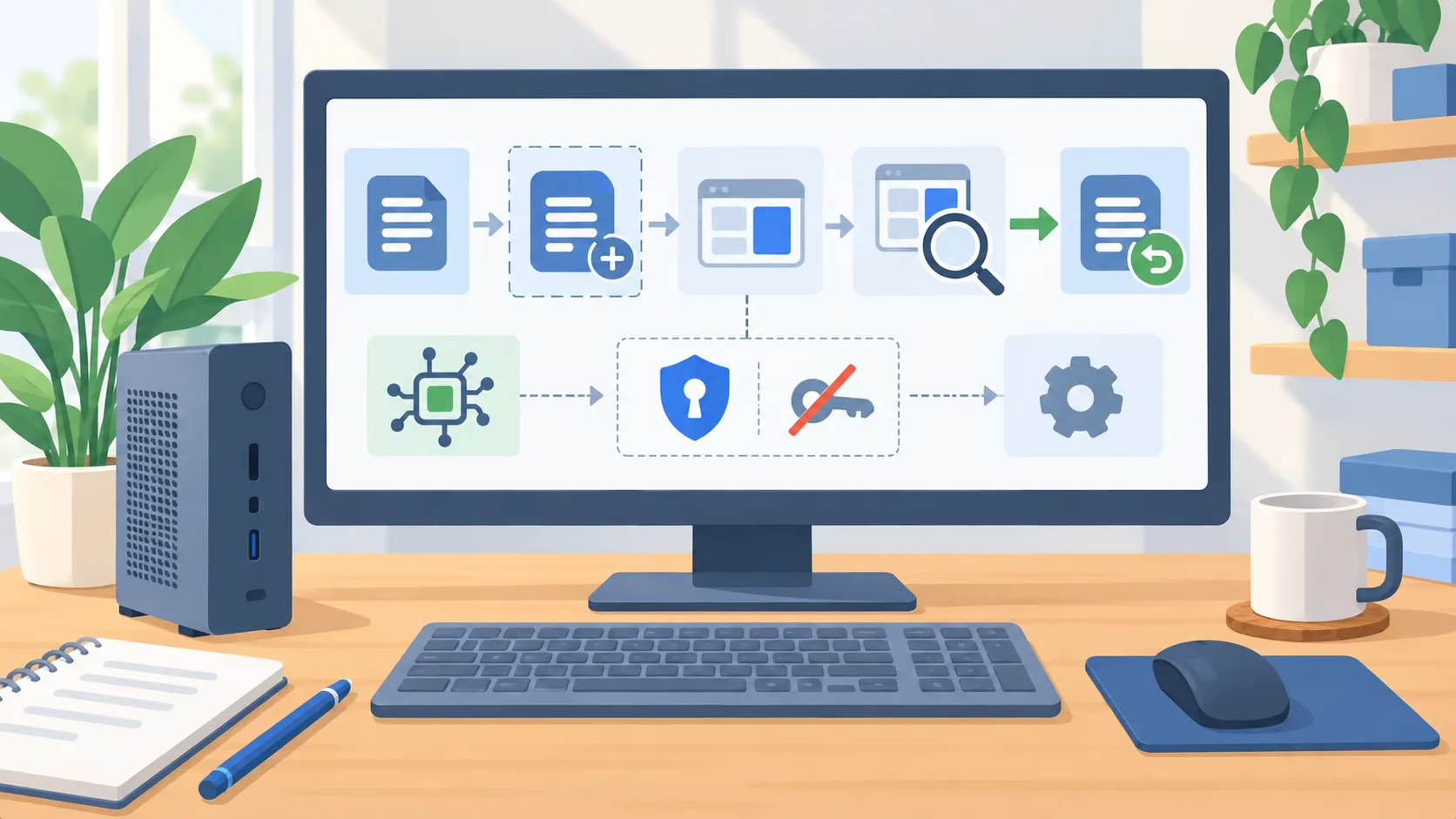
A good first trial has a baseline, a narrow change, a visible result, and a rollback. Save the original configuration. Ask the agent to name the change before it makes it. Verify the result with a concrete check, then restore the starting state. If any step is unclear, stop and use a human-controlled setting instead.
Treat cloud processing and local control as separate questions. A computer interface may run on your device while the model request goes to a provider. Decide what data may leave the machine before using logs, documents, or account content in an agent session.
Practical next step
Choose one reversible desktop annoyance and express it as a precise request: what should move or open, which workspace it belongs in, and how to confirm the result. Keep the agent in a disposable workspace with only sample files. Require an explanation before any permission escalation.
After the trial, check whether the change persisted, whether it affected other apps, and whether the rollback worked. Do not generalize one successful demonstration into approval for unrestricted computer control. Expand only when a named owner can explain the permission and recovery path.
A permission review should include the path to recovery. Record the starting value, keep a copy of the original file or setting, and test the restoration before relying on the automation. If the computer-use system cannot show which control it changed, keep the work in a sandbox and use the operating system’s own interface for the live setting. That small discipline makes a successful demo repeatable and makes a failed attempt easier to contain.