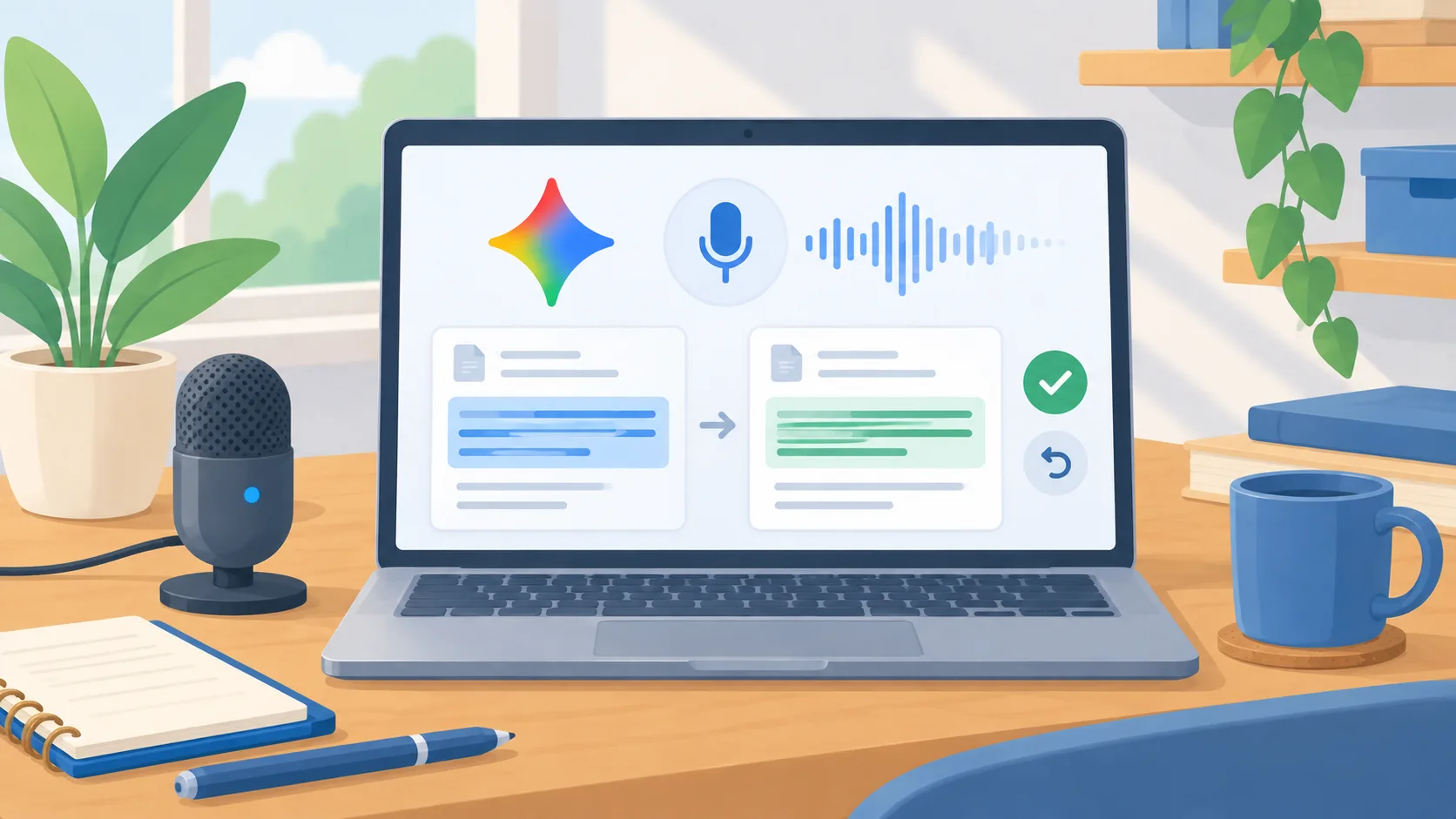
A voice interface moved into the active desktop task
Google’s July Gemini Drop, published July 31, highlighted Speak to Gemini on macOS, which Google introduced on July 29. Google describes using speech to create, edit, and summarize in an active window, including dictating text, transforming highlighted content, or generating visuals near the cursor. That changes the interaction from opening a chat, describing a task, and copying the result back to asking for help in the work surface itself. The convenience is obvious; the business question is what the assistant can see and change in the particular workflow you choose.
The announcement does not answer every organization's questions about data handling, eligibility, administration, or how a specific selection is interpreted. Those details may depend on account and configuration. Treat the interaction as a pilot candidate, then confirm current documentation and settings before using it with confidential work.
Choose a task where mistakes are cheap to undo
Start with a document or note that contains no sensitive information and is easy to restore. Ask the assistant to turn a rough paragraph into a shorter version, summarize a public meeting agenda, or clean up a draft announcement. Compare the original and result before accepting any replacement. Keep a copy of the source text so a wrong rewrite cannot erase information the team needs. This test checks whether speaking is actually easier than typing for the person doing the work.
Avoid beginning with a customer record, legal document, financial instruction, or message that could be sent externally. A voice-enabled editing surface can reduce friction, but friction sometimes serves as a useful review point. Keep a person responsible for checking facts, tone, names, numbers, and commitments. If the task relies on highlighted content, confirm the selected text and surrounding context are what the user intended to share before issuing the request.
Measure the workflow, not the novelty of speaking
Ask the pilot user to perform the same small task with the existing process and with voice assistance. Record where the feature saves steps and where it adds correction work. Did the user have to repeat an instruction? Was the selection correct? Did the response preserve names, figures, and required language? Could the person tell what content the system had been given? A fast first draft is not a win if the review takes longer or the output introduces a factual change.
Use a short checklist and a handful of representative examples rather than relying on one impressive demonstration. Include an example where the assistant should ask for clarification because the selected content is ambiguous. Also test a noisy room or a user who prefers not to speak aloud. Voice can improve accessibility or convenience for some people while being unsuitable for others, so keep a keyboard path available.
Set the boundary before expanding access
If the pilot works, write down which applications and task types are approved, who may use them, and what information must stay out of prompts. Confirm how users can review changes and recover the prior version. Make sure team members know the difference between generating a draft and authorizing a business action. Summarizing a request does not authorize a reply; drafting a spreadsheet formula does not authorize changing the live ledger.
Ask the product owner or administrator to verify account-level privacy and management settings from current official documentation. Decide how you will disable or limit access if those controls are not adequate for your work. If different groups have different data risks, roll the feature out by workflow rather than switching it on everywhere. Keep a record of the approved use and revisit it when the feature or the organization’s settings change.
A practical decision for this week
Choose one low-risk writing task and one willing user. Test the new desktop interaction on a copy, inspect the result, and note whether it removes work without reducing review quality. If it does, expand to a second task only after checking privacy and administration requirements. If it does not, record the limitation and keep the existing workflow. The point is to decide from a real task, not from a feature video or a launch announcement.
Desktop AI becomes more useful when the user understands the data boundary and retains a clear review step. Make those conditions part of the pilot from the beginning.