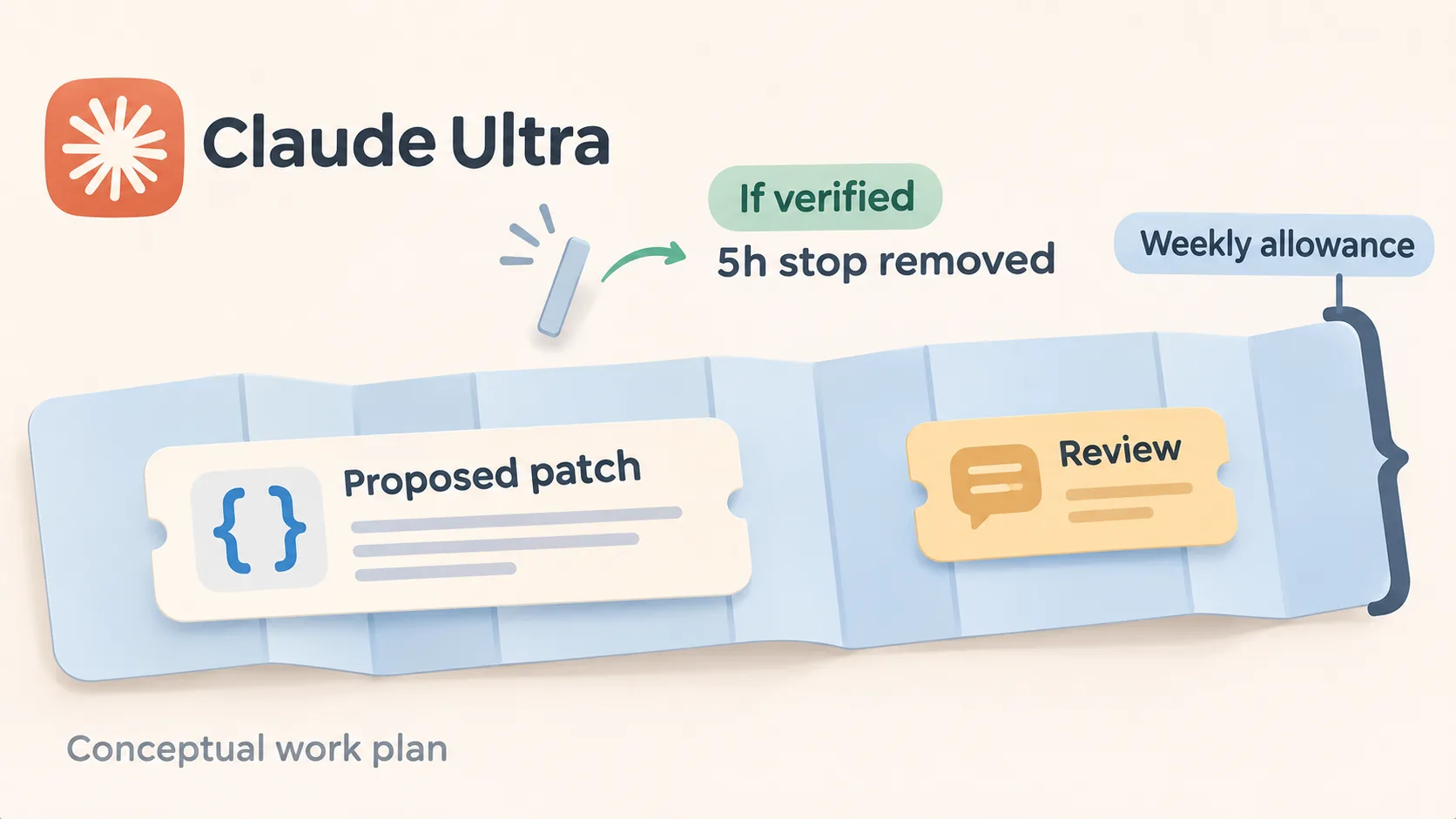
The change is about pacing one individual account
On October 30, 2026, Anthropic’s official Claude account announced that Max 5x would become Max and Max 20x would become Ultra. Its post says Ultra remains $200 per month and subscribers need not take action. It also announced removal of the five-hour limit for verified Ultra accounts. Anthropic’s current Help Center says existing Max 20x subscribers move to Ultra automatically without a price change. The listed $200 price is for a web subscription; mobile pricing can vary. This is an individual plan change, not an Enterprise pool or a promise about a company account.
Check whether the account has the change
The five-hour limit is gone only for a verified Ultra account. Anthropic says verification happens automatically using factors such as account and payment history. A temporary limit applies before verification and is removed automatically when verification completes. Phone verification at checkout is separate; it does not remove that limit. To check, open Settings, choose Usage, and look for the Current session bar. Anthropic says its absence indicates a verified account. Check the account you plan to use instead of inferring eligibility from the plan name, payment screen, or someone else’s experience.
A longer session still spends from a weekly allowance
Anthropic’s current plan page describes Ultra as providing 10 times Pro’s usage each week. The weekly limit applies across models, and Ultra also has a separate weekly limit for Fable. Usage across claude.ai, Claude Code, and Claude Desktop counts against the same allowance. The amount consumed can vary with the model, conversation length and complexity, features, and effort setting. Settings, Usage shows the next weekly reset. Anthropic may also apply other limits, including weekly or monthly caps and model or feature limits, and it does not guarantee uninterrupted service. Removing one five-hour boundary therefore changes how a verified account can pace usage; it does not make a week unlimited or guarantee that a long task will finish without interruption.
Plan the work around a bounded owner task
For a solo owner who already uses an individual Ultra account, the opportunity is to schedule one focused block for a task with a clear end point. That could mean preparing a proposal draft from approved notes or reviewing a maintenance change against a short checklist. Before starting, decide what the assistant may read, what output it should prepare, and which actions need a person’s approval. A longer session can reduce pauses caused by a five-hour limit, but it does not replace task scoping. The owner still needs time to check sources, correct mistakes, and decide whether the result is usable. Treat the weekly allowance as shared across the Claude surfaces named in the plan, not as separate budgets for each app.
Make the next work block reviewable
For a planned work block, reserve enough of the remaining week for the task that matters most. Choose one bounded maintenance job, such as preparing a proposed update to a quote form’s validation copy. Keep the requested change, source files, and expected result clear; ask for a patch or draft that a person can inspect. Review it against the request and test the proposed change in the normal development workflow before adoption. Keep code review, backup, and approval steps in place; a subscription limit change does not certify generated changes. If the task is time-sensitive, leave room for an interruption or manual fallback because service is not guaranteed to be uninterrupted.