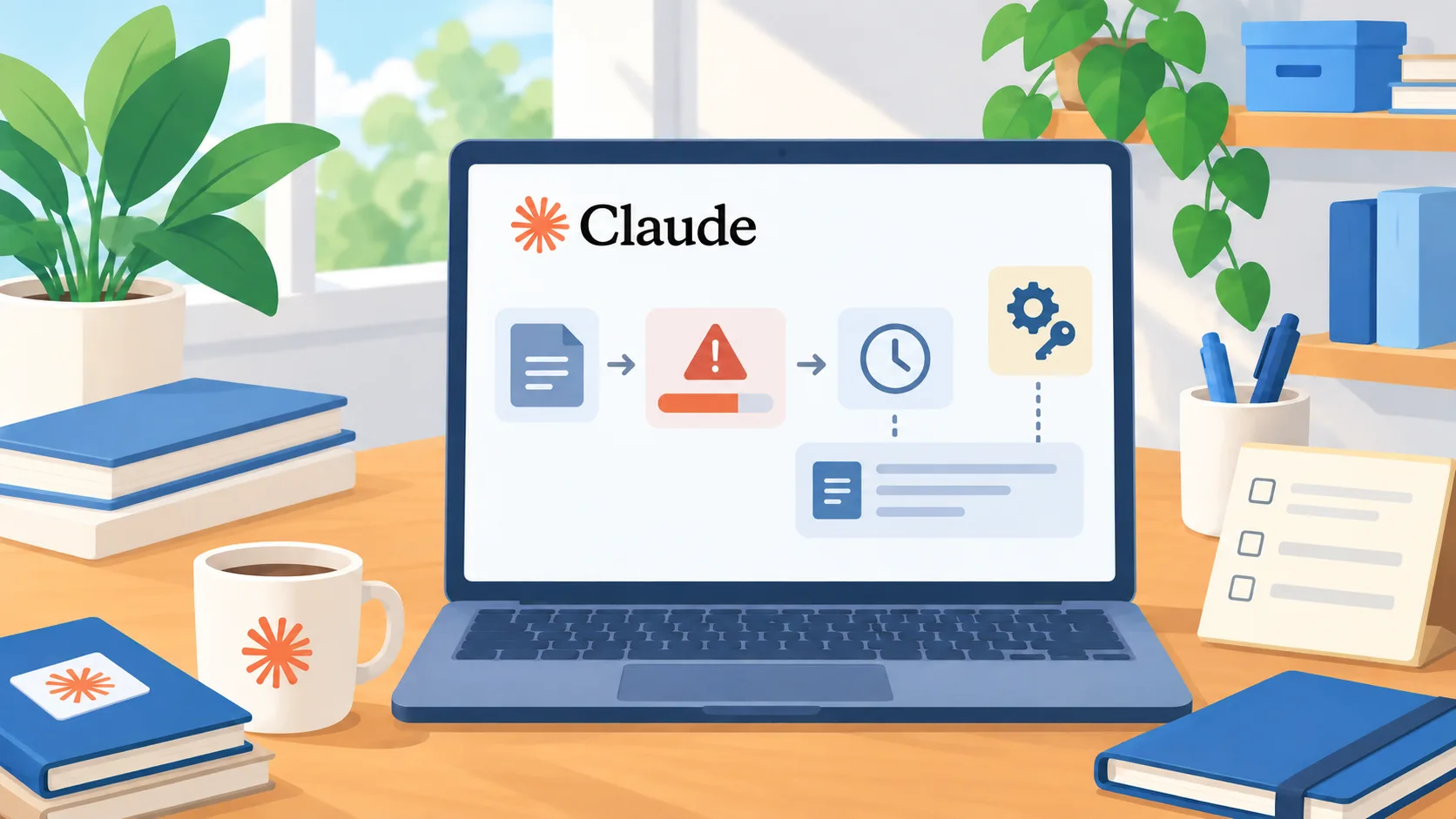
A clearer message when a gateway cap is reached
Anthropic released Claude Code v2.1.225 on August 8. Its release notes say that, when a usage gateway limit is reached, the usage warning can identify the cap, its reset time, and a message from the operator. The release note specifies that this requires the gateway on version 2.1.225. This is a small but practical change: a user who hits a limit can see more context about why work stopped and when the limit may reset.
That does not mean the software now sets a business budget, catches every overspend early, or replaces a gateway administrator. The release describes a clearer limit-reached warning. A team still needs to decide which users and workflows can consume the shared pool, who owns the cap, and how requests for additional capacity are handled. If your organization does not use the relevant gateway setup, do not assume this warning behavior applies to your current workflow.
Translate the limit into an operating rule
A cap is useful only when people understand what it governs. Write down the scope: the team, project, or service using the gateway; the period covered; the person who can change the limit; and the escalation path when work is blocked. If the reset time appears in the warning, explain whether the team should wait, switch to a lower-cost route, or ask for review. That decision should come from the work’s urgency and approved budget, not from a user improvising with another credential.
Also decide what the operator message should say. A short note can tell users how to check whether a limit is expected, where to request a budget review, and what not to do, such as retrying the same expensive task repeatedly. The warning is a user interface for a policy. It cannot make an unclear policy understandable on its own.
Measure the workflow before changing the cap
Before raising a limit because a team reached it, inspect the tasks that consumed capacity. Were the jobs valuable? Did the agent repeat work, use an unnecessarily broad context, or keep retrying after an error? Did a one-time deadline create a spike? Compare that evidence with the cost and value of the work, and consider simpler fixes first. A higher cap may be appropriate, but it should follow a decision about workload and ownership.
A practical review can be small: record the blocked task, the gateway’s stated cap and reset time, the operator message, and whether the work could wait. Over several occurrences, look for a repeated workflow or role that needs a different budget. Keep a separate record of actual spend from your provider’s billing data. A friendly warning does not prove that a team is under its intended budget, just as reaching a cap does not prove that the work was wasteful.
Keep the limit useful without making it a bottleneck
For a small team, the goal is a limit that signals attention while leaving an understandable path for legitimate work. Start with a conservative cap that an owner can explain, route exceptions to one accountable person, and review the actual usage before changing it. If the warning is routinely surprising, the problem may be missing communication or visibility rather than the size of the cap.
The next step is to test the release in a non-critical workflow with your configured gateway. Confirm what the user sees when a limit is reached, whether the operator text appears, and whether the reset information matches the gateway’s policy. Then write a short team note with the right escalation route. That makes a product change into an operating improvement without treating a message as a complete cost-control system.