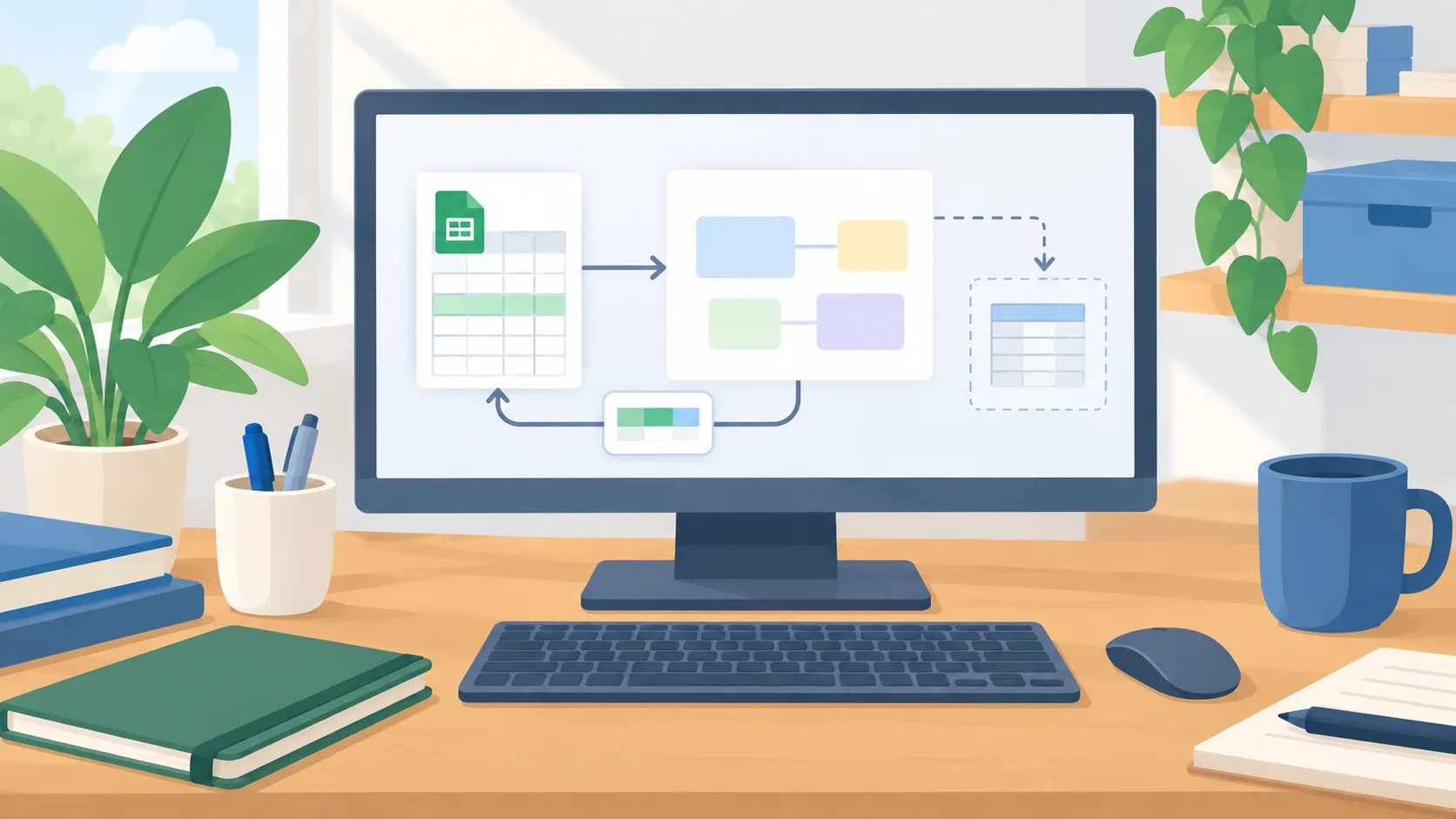
Sheets Canvas turns a table into an editable interface
Google introduced Sheets canvas on August 13, 2026. The Gemini-powered feature can turn spreadsheet data into an interactive layout, such as a Kanban board, dashboard, calendar, gallery, or whiteboard. Google describes it as a read-write layer: changes made in the canvas update the source sheet, and changes in the sheet appear in the canvas. Access follows the spreadsheet’s existing sharing settings. The initial rollout is for eligible accounts in English on the web.
That makes Sheets canvas more than a reporting view. If someone has edit access, Google says they can add, edit, or delete spreadsheet data through the canvas. For an owner, the important decision is which data belongs in a surface where staff can move cards or edit values without looking at the original grid. The convenience is real, but so is the write permission.
Pick a workflow where a visual view helps
A small team may have a shared spreadsheet for project stages, inventory, campaign dates, or open service requests. A visual board or calendar can make the next action easier to see than a long list of rows. Canvas may be worth testing when the underlying records are already clean and the interface only needs to make a stable process easier to work with. It is less attractive when the source sheet mixes unrelated data, has complex formulas, or changes meaning from row to row.
Start with one tab and a copy of the sheet. Google’s help page says a canvas uses data from one sheet tab, and the feature is not available for some cases, including mobile use, third-party storage, or a source tab over one million cells. If your data spans several tabs, decide what belongs in the test tab and whether copying it there would create a second version that staff might mistake for the source of truth. Keep ownership of the original sheet clear.
Use test records to try the actions people will actually take: move a card to a new status, add a record, edit a date, delete a row, and change the same value directly in the sheet. Confirm how each action appears in the underlying data and whether it affects formulas, downstream reports, or other users’ views. A layout can look right while an edit changes the wrong field.
Treat access and sharing as part of the feature
Because Canvas inherits the spreadsheet’s sharing permissions, review the access list before inviting people to the new interface. A user who only needs to view status should not receive edit rights simply because the board is easier to use that way. If some fields are sensitive or should change only through an approval process, keep them out of the editable tab or use a separate workflow whose controls you have tested. A Canvas layout is not itself a row-level permission system.
The same principle applies when a spreadsheet is shared outside the organization. Check whether a collaborator can add, edit, or delete data from the Canvas and whether the link exposes the same source sheet they already had access to. Make a test edit with a low-privilege account if possible, then verify both the visible result and the raw rows. Keep a backup of the original test data so you can restore it if an experiment changes records unexpectedly.
Decide whether it improves the real process
Evaluate the Canvas on two questions: does the visual arrangement help people find the right record, and can they make the intended change without creating extra cleanup? Ask a few users to complete the same ordinary task in the grid and the canvas. Observe whether they choose the right record, update the right field, and understand what happens after saving. The comparison matters more than the initial visual polish.
The practical next step is to copy one low-risk sheet tab, limit access to a small test group, and check each add, edit, and delete against the raw sheet. Keep the original process in place until the team understands the permissions and downstream effects. If the Canvas requires more explanation or creates more correction work than it removes, keep using the spreadsheet grid for that workflow.