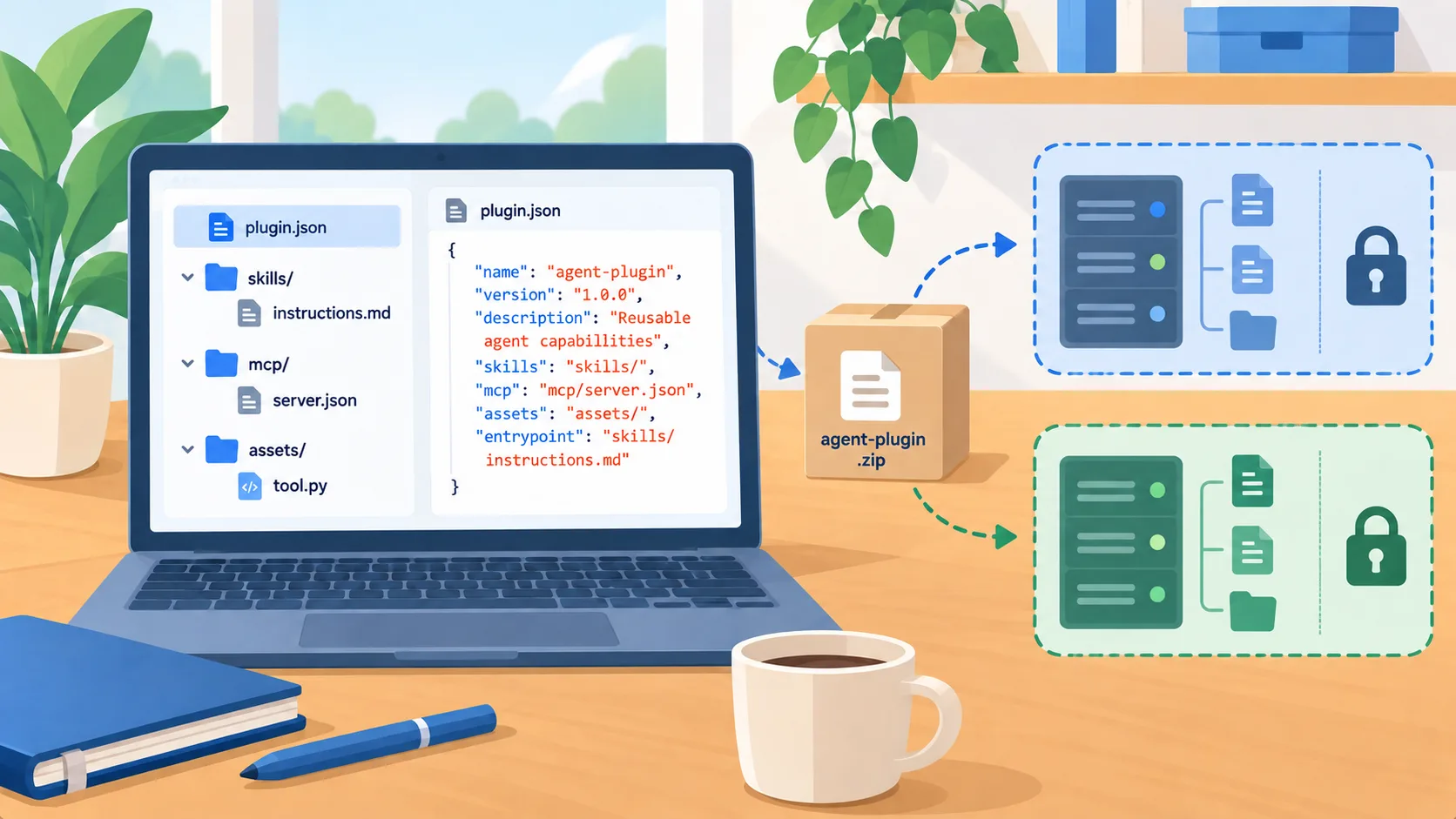
A shared package format reduces duplicate setup
Agent Plugins 1.0 was released on August 6 as an open specification for packaging reusable agent skills and MCP server configuration. Its announcement says the portable package can give compatible clients a common manifest and predictable component locations. For a business that maintains internal workflows across several agent tools, that could reduce repeated packaging work and make it easier to keep instructions and tool configuration together.
The useful scope is deliberately specific. A package format helps describe and locate components; it does not make every client behave identically. The official launch material says the format standardizes packaging and discovery, not marketplaces, permissions, or runtimes. A plugin may contain reusable instructions and a connection to a system, but the organization still decides which people may install it, what credentials it receives, and what actions those connections can perform.
Review the contents before installing a shared capability
Treat a plugin like a small software dependency. Read its instructions and inspect its MCP configuration, scripts, referenced files, and update source. Determine whether it can read data, call external services, modify records, or trigger another tool. Ask the maintainer to identify the systems it expects and whether the package works without optional components. A portable package can make installation easier, so a clear review step becomes more important as reuse increases.
Use a test account and synthetic data to validate behavior. Confirm that the plugin asks for only the access needed for the task and that a user can see when it is about to take an action. Test an ordinary request, an ambiguous request, and an attempt to use the tool outside the assigned task. If a workflow involves a consequential change, make the agent prepare a proposed action for a human rather than execute it automatically during the initial trial.
Separate portability from ongoing governance
A standard package does not settle where organizations source approved plugins or how they receive updates. Pick a trusted source, record the version or commit your team reviewed, and assign someone to monitor changes. If a package includes a remote server, review that server’s operator, authentication method, data path, and availability. A change to an instruction or tool can alter the task even when the plugin name stays the same.
Decide how users request new plugins, who approves the access, and how administrators disable a capability when its maintainer changes or the business no longer needs it. Keep an inventory of installed packages and their owners. If your agent clients expose allowlists or managed settings, use them to constrain which sources and servers can be used. The portable format is a useful foundation, not a replacement for those client-specific controls.
Start with one repeated, low-risk workflow
Choose an internal task that several teams already perform, such as preparing a routine project update from approved material. Package the reusable instructions and any required tool connection, then install it in one compatible client. Have the workflow owner compare the package output with the current process and record missing steps, errors, and review time. Avoid a package that asks for broad file or messaging access when a narrow read-only connection will do.
If the package works, test it in a second client and note where behavior differs. The standard can make packaging more portable, but each host may support different components and presentation. Keep a person responsible for maintaining both the shared capability and its client-specific configuration.
The decision for the owner
Agent Plugins 1.0 gives developers a shared way to package skills and MCP configuration. It does not create a universal trust or permission system. Decide whether repeated workflows are worth packaging, then review the package contents, approve its data access, and define how updates will be controlled.
The first good use is a repeatable task with a clear owner, narrow access, and an easy review. That lets the team learn whether portability reduces maintenance while keeping authority over data and actions in the organization’s hands.