What Meta announced
Meta announced Muse on September 8 as a personal agent that runs in a dedicated cloud virtual machine with its own browser. The company says people choose connected apps and access levels, can revoke connections, receive an audit trail, and must approve sensitive actions such as sending an email or making a purchase. Those are product claims from Meta’s announcement, not an independent security assessment.
For a business owner, the announcement makes the important design question concrete: what can the agent see, what can it prepare, and what can it actually do? A friendly chat interface does not answer those questions on its own.
Who can use it and when
The announcement describes a consumer product rolling out in the United States. A company considering an agent for staff should verify the current account, market, and terms rather than assume that a personal product is approved for business records. Personal use and business use can involve different data, retention, access, and accountability requirements.
The same test applies to any agent that works across connected apps. Before a person links an account, identify whether it contains personal or company information, who owns the credentials, and which other users could be affected by an action.
Why the boundary matters
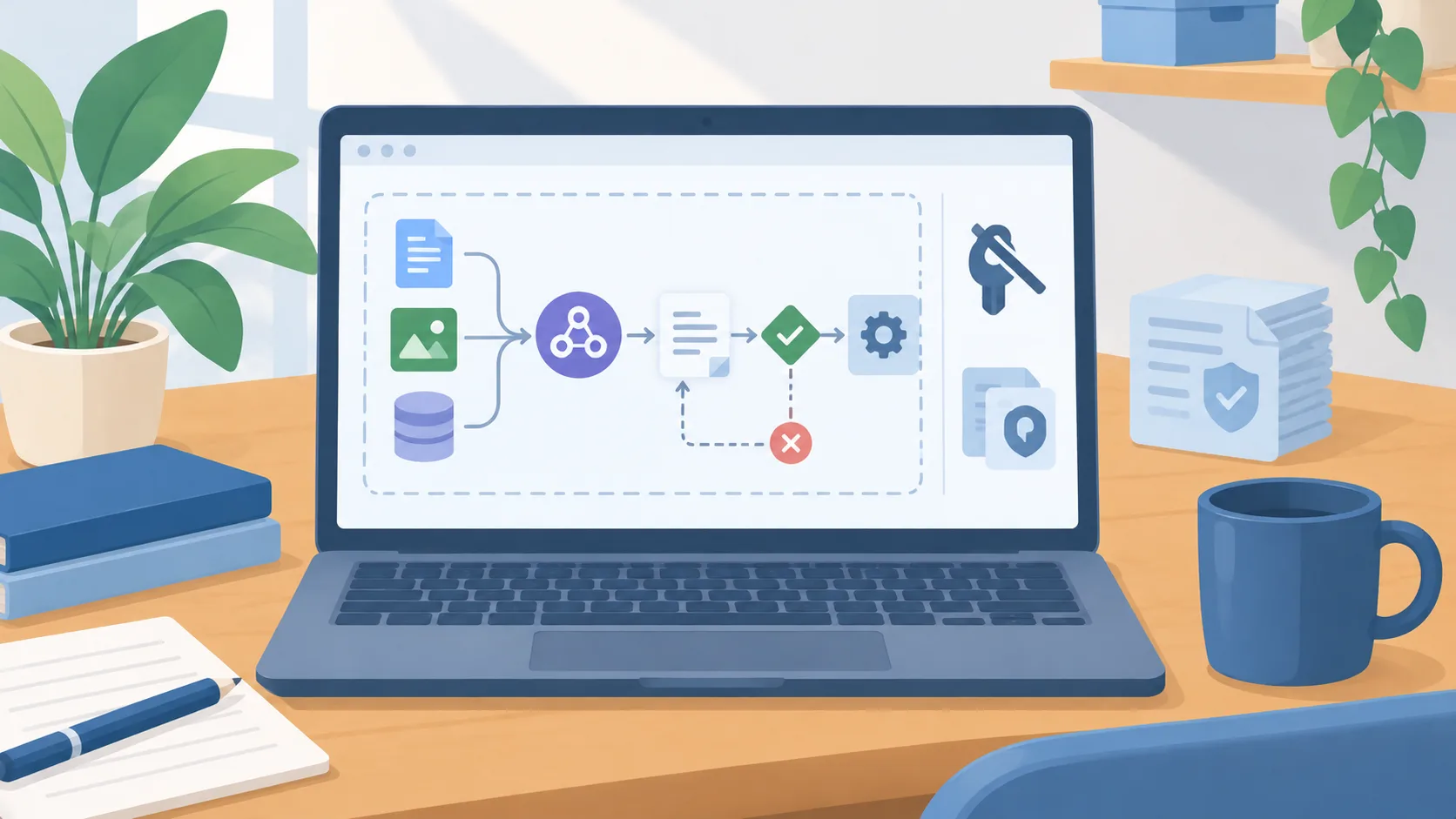
An agent can turn a request into several steps: search, compare, draft, fill a form, or submit an action. The business risk often appears at the handoff between those steps. A system that can read customer messages may also be able to prepare a reply; whether it can send that reply is a separate permission decision.
A useful approval should show the exact target and consequence. “Ask me before anything important” is difficult to enforce consistently. Name the actions that require a person, such as sending an external message, changing a customer record, buying something, or changing access.
ShepBuild analysis
Treat the product’s controls as a starting point for a workflow review, not proof that the workflow is suitable. The owner still needs to check the account configuration, the records in scope, and the audit details available to reviewers. A vendor’s description of a control does not show how the control behaves in every account.
Start with a task that reads a narrow set of approved information and produces a draft. Keep live changes disabled until the reviewer can see what the agent considered, what it proposed, and how to stop or reverse the action.
Practical next step
List the data sources and actions for one proposed task. Mark each as read, prepare, or change. Then name the person who reviews an exception and the person who can remove access. If those answers are unclear, the task is not ready for live account connections.
Test using non-sensitive examples first. Include conflicting records, missing details, a request that should be declined, and an action that requires approval. Record what happened and update the boundary before adding more apps or expanding the agent’s authority.
The approval boundary should be tested with realistic edge cases. Ask what happens if an agent finds two accounts with similar names, sees an outdated price, or cannot tell whether a message is internal or external. A useful system should pause and expose that uncertainty instead of silently selecting a target. Review the activity record after each test and confirm it gives the account owner enough information to understand what happened.