What OpenAI announced
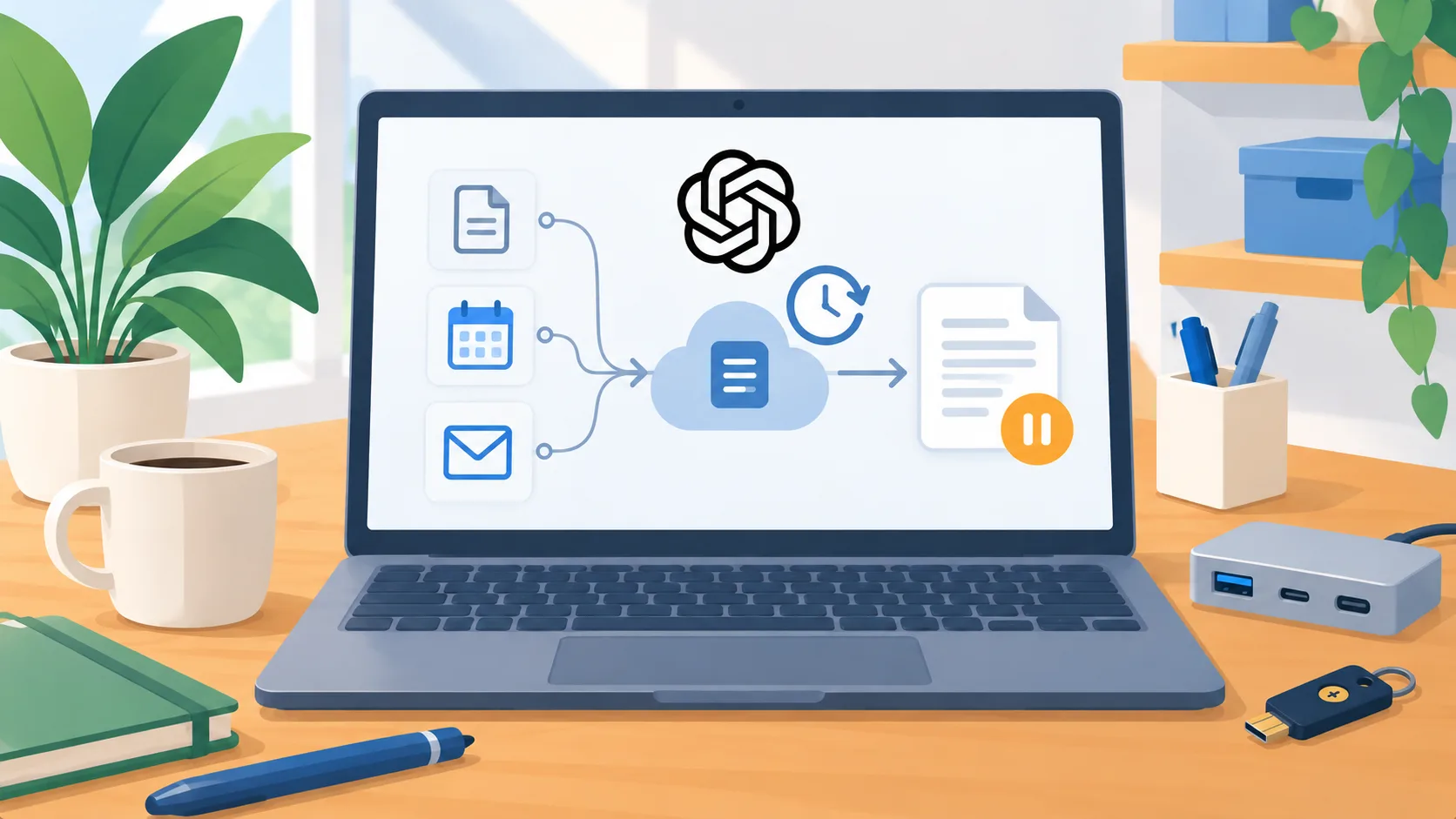
OpenAI announced Dots on September 29, 2026, describing always-on agents that can work through connected apps and a separate cloud computer. The announcement says users choose app access, set rules for independent actions or approvals, and can inspect activity. It describes read-only proactive research separately from actions that can change accounts or share information. Dots are rolling out to eligible Pro and Business Premium users in eligible markets; Enterprise users can try a beta when an administrator enables it. Availability is therefore plan- and market-dependent, not a promise that every business account can use the feature today.
The business question is what to connect
The appealing idea is not merely that an assistant can answer questions. It is that a system may keep working across connected apps between explicit requests. That changes the owner’s question from “Can it do this?” to “Which work is appropriate to let it observe, prepare, or complete?” A connection can expose customer records, internal messages, calendars, files, and operational context. Each connection should have a reason tied to a defined job.
Start with work that is recurring, easy to inspect, and reversible. Examples might include collecting status from approved sources into a draft, finding items that need follow-up, or assembling a first-pass internal summary. These are candidate workflows, not claims about what Dots has been tested to do in your company. Avoid starting with broad access to a mailbox or customer database simply because an integration is available. Narrow the data and the purpose together.
Draw the line between preparation and action
For each candidate, write down three levels: what the assistant may read, what it may prepare, and what it may actually change. Reading a project folder can support a status summary. Preparing a proposed update can save a person from a blank page. Sending that update or changing the official record is a separate authority. The person approving the change should see the target, content, and consequence before it happens.
A rule such as “ask before important actions” is too vague for a business process. Name actions: send an external message, alter a customer record, approve a payment, change a permission, or submit an order. Decide which are never delegated and which require a named human to review. If the product’s controls cannot express the boundary or provide enough visibility to check the work, do not connect that workflow yet.
Run a bounded trial
Pick one low-risk task and a small set of non-sensitive records. Keep a human responsible for checking every result. Record the input source, the proposed output, corrections, and whether the work actually reduced a step in the current process. Include exceptions: missing records, conflicting instructions, stale information, and requests that should be handed back to a person. A smooth demonstration on a clean example is not enough to justify ongoing background access.
Before expanding, confirm account eligibility, connected-app behavior, retention and training settings, and how access can be revoked. OpenAI’s announcement describes product controls, but it does not establish that every integration, market, or configuration is suitable for a particular business. Validate those details in the account and current product documentation.
Make one owner decision
An always-on agent should have an owner, a narrow purpose, a list of authorized sources, and an escalation path. If you cannot name who reviews exceptions or removes access when the workflow changes, it is too early to connect the system to consequential records.
The practical next step is to select one read-and-prepare task, document the boundary, and test it with sample data before granting live access. Expand only if the person accountable for the process can verify the work and explain when the agent must stop.