What Google Cloud announced
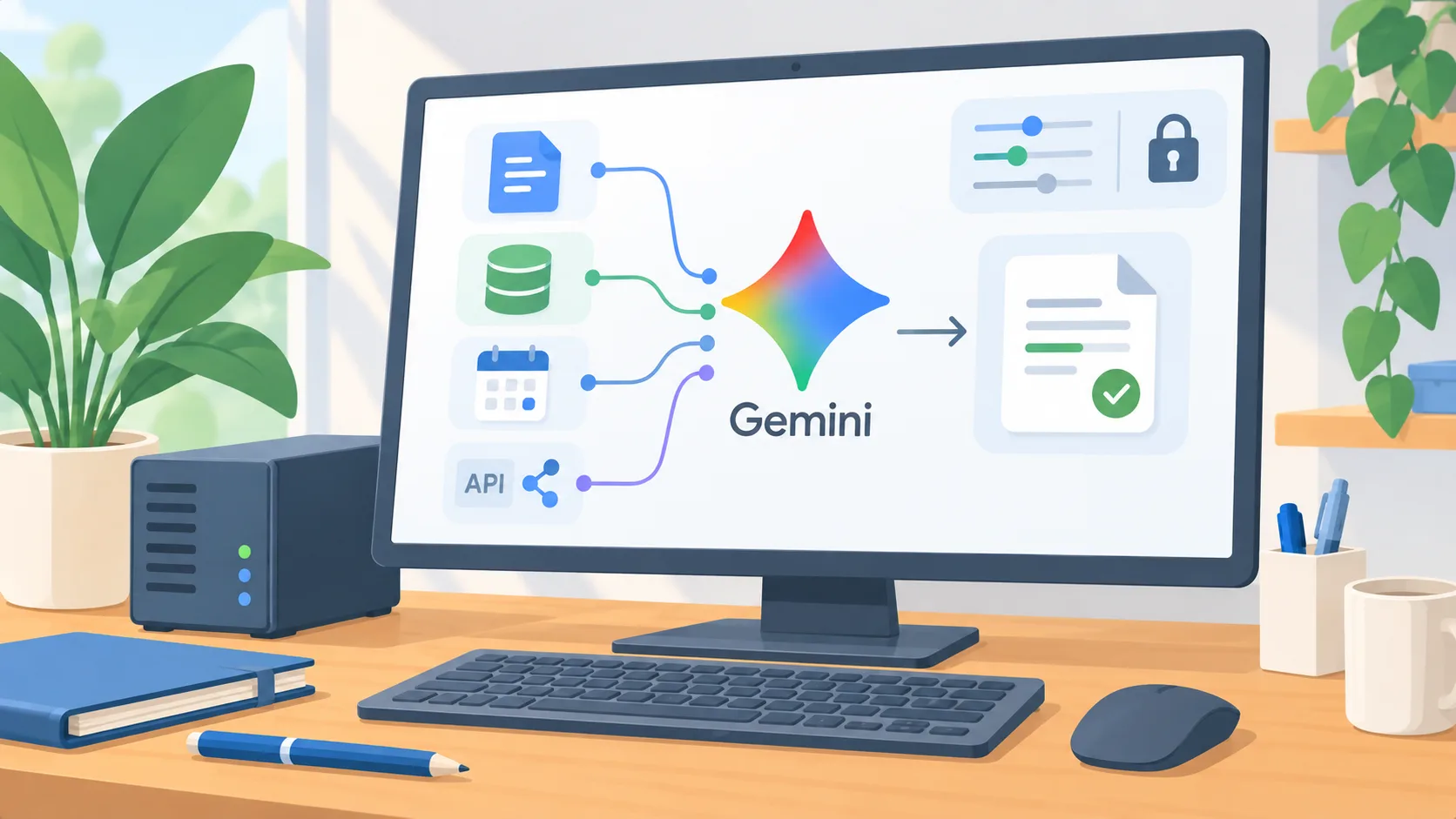
On October 8, 2026, Google Cloud announced the Gemini agent, which it describes as a universal agent for work. The announcement says it can use organizational context, skills and tools, connect to customers’ business systems, and return work in familiar environments. Google also says it selects a model for the job and includes cost controls, security, administration, and governance for enterprise customers. This is an announcement of a product direction and capability set. The announcement does not establish that every feature is generally available to every company, or that a particular system connection is already supported for your account.
A single prompt does not remove workflow design
An assistant that can plan work and reach business systems could reduce switching among tools. It also makes the boundary of a request more important. “Prepare the weekly service report” may involve reading several sources, resolving conflicting records, and placing a result where a manager expects it. The owner still needs to decide which source is authoritative, what should happen when data is missing, and whether the system may write back.
Treat “connects to our systems” as something to verify, not as a generic permission. For each system, ask what information can be read, what actions can be proposed, and what changes can be committed. Confirm who can authorize access, how credentials are handled, whether actions are logged, and whether a person can stop or reverse a run. These questions apply whether the interface is one prompt box or several separate tools.
Choose a workflow before comparing platforms
Choose a process with a visible beginning and end. For example, a team may assemble an internal status packet from a shared project board and approved documents. Write down the exact starting event, source records, expected output, reviewer, and handoff. Then mark any step that changes a customer-facing record or creates a commitment. A bounded workflow gives the team something real to test instead of judging an agent by a broad demonstration.
The test should include ordinary cases and the awkward ones: duplicate records, missing fields, contradictory notes, a request outside the team’s authority, and a system that is temporarily unavailable. Ask whether the agent stops clearly, returns the source of a conclusion, and leaves an understandable draft for a person. A useful system needs to fail in a way staff can recognize and recover from.
Verify availability and operating cost
Before planning a rollout, get specifics for your organization: product edition, supported regions, connected applications, user eligibility, administrator controls, data treatment, and current availability. The October 8 announcement speaks to Google Cloud and enterprise governance, but does not resolve those account-level details. A capability announced by a vendor is not the same as a feature enabled in your tenant.
Cost controls also do not tell an owner what the workflow will cost in practice. Test the complete task, including retries, human review, corrections, and the cost of maintaining source access. Compare it with the existing process and with a simpler automation. If the system needs a person to repair most outputs, a more autonomous agent may add complexity without improving the job.
Decide what must be proven
The next step is to request a narrow, account-specific demonstration using a workflow your team can inspect. Define success as a correct output with traceable sources, acceptable review effort, and no action beyond the approved boundary. Decide in advance who signs off on any integration.
Adopt an agent only when the business can explain what it is allowed to do, how a person detects a bad result, and how to stop or undo a consequential action. If those answers are unclear, first improve the process and its records. A more capable front end cannot compensate for uncertain ownership underneath it.