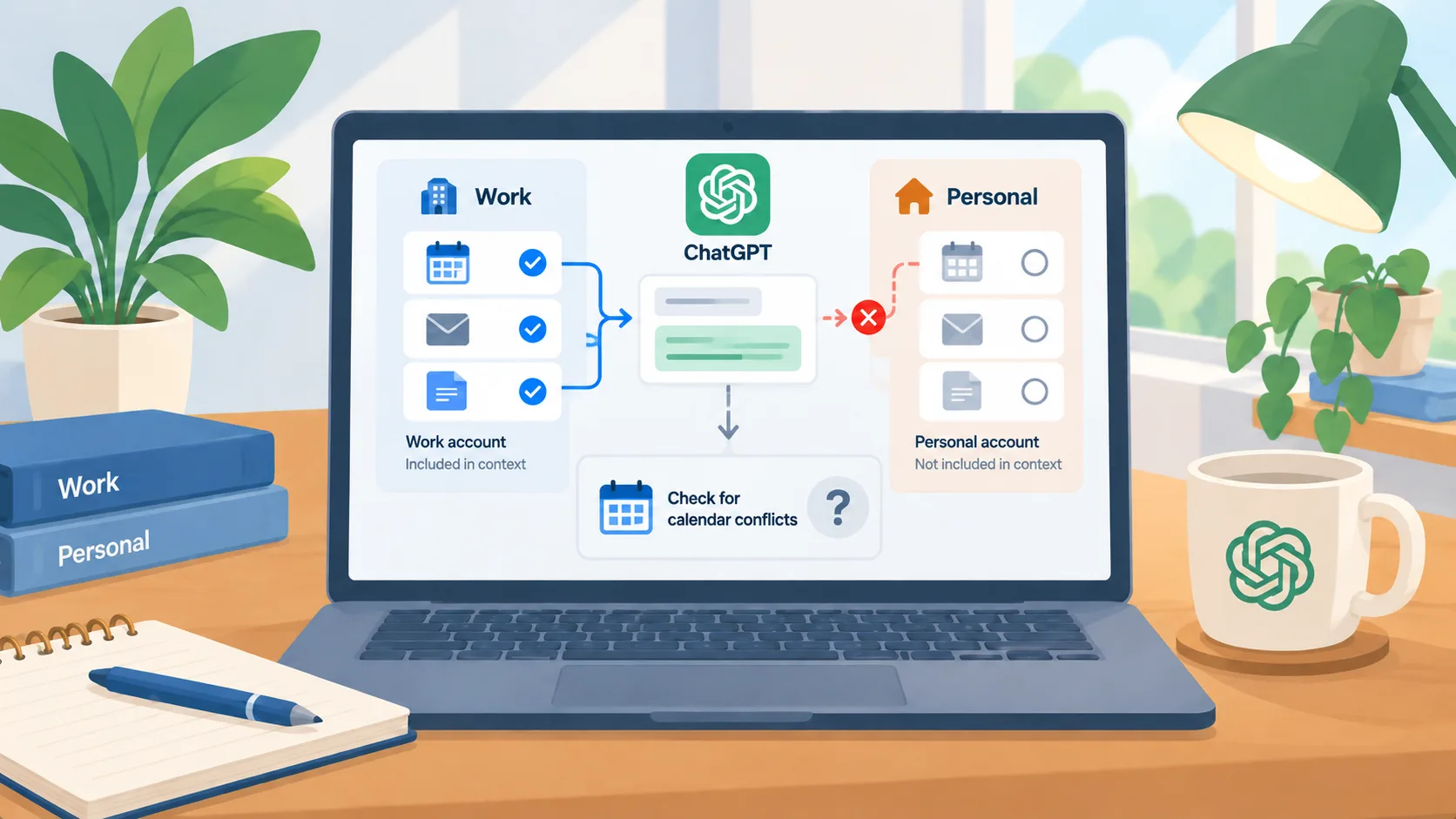
A single conversation can now span multiple Google accounts
OpenAI’s August 28, 2026 release notes added support for connecting multiple Google accounts for Gmail, Calendar, and Contacts in ChatGPT. The company says users can ask one conversation to check calendars together or search across connected inboxes. The notes list supported Plus, Pro, Business, and Enterprise plans across web, desktop, iOS, and Android. The practical shift is that the assistant can consider information from more than one account without a manual copy between them.
For an owner or operator, this can remove a familiar bit of friction: personal and business calendars may both matter when scheduling, while a work inbox and a shared operations account might each hold part of a conversation. But the same feature can place different kinds of information inside one model context. Convenience makes it easier to overlook which account supplied a detail or whether a private event should have influenced a business answer.
Select sources as part of the task
Before using the feature, decide whether the work requires both accounts. A scheduling request may need a work calendar and the owner’s availability, but a customer-support summary should not automatically draw on personal email. Keep the request specific about which account or calendar is in scope, and check the connected-app settings when a new account is added or removed. Do not assume that a conversation’s wording overrides the access granted to a connector.
For sensitive work, separate projects or workspaces by purpose and use dedicated business accounts wherever possible. The exact controls depend on the connected app and plan, so confirm what each account authorizes and who manages it. If a prompt combines sources, review the resulting answer for unintended personal or third-party details before sharing it with staff or customers.
Test reads before you depend on cross-account context
Use a small test query with known events and messages from both accounts. Confirm that the assistant finds the expected records and does not pull a similar but unrelated item. Then test what happens when one account is disconnected or lacks permission. A useful answer should make its source traceable enough for a person to confirm. For calendar changes, keep a final human check on invitees, time zone, and destination calendar before the event is created or updated.
There are reasons to keep accounts separate even when they belong to the same owner. A personal account can contain family health, travel, or financial details; a company account may be subject to retention and admin policies. A connector that technically permits a combined search does not settle whether the organization should use that combination. Decide by workflow, data sensitivity, and the records a reviewer needs to see.
A sensible starting point
Choose one low-risk task, such as checking schedule conflicts, and connect only the accounts needed to complete it. Record the expected result, inspect the source events, and ask a colleague to review the output before it informs a customer commitment. If the assistant cannot reliably distinguish accounts or sources, keep the work in separate conversations. The update makes cross-account context easier; a deliberate source boundary makes it usable in a business setting.