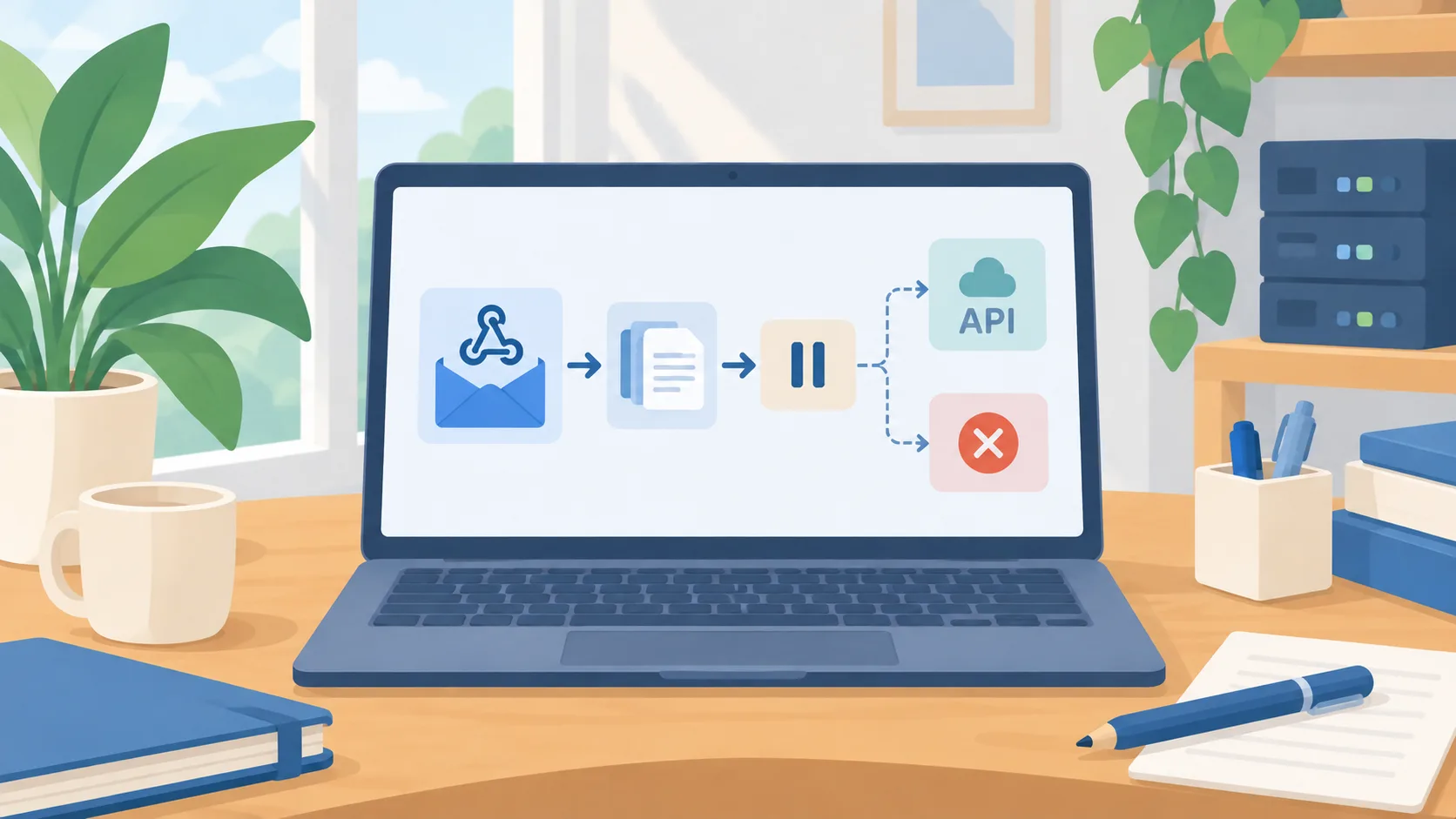
Tasks can now start when an app changes
On August 25, 2026, OpenAI described webhook triggers for scheduled tasks in ChatGPT Work. The supported events listed in the release notes include a new Gmail message, a Slack channel message, and GitHub pull request activity. Users can share a task so another person can review and customize it, then connect their own applications and run an independent copy. OpenAI says actions that require approval pause until a person reviews them. Webhook-triggered tasks are listed for Plus and Pro users; Free and Go users cannot create them.
This changes the starting point of an automation. Instead of asking a person to remember to check for an update, a supported event can launch the next step. That is useful when the work has a clear trigger and a predictable response: summarize a registration email, prepare next steps after feedback, or flag a pull request that needs attention. It is not a general-purpose connector to every system or every event.
Define the event before writing the task
A robust task begins with a precise trigger. “When a new message arrives in this mailbox with the subject prefix X” is easier to evaluate than “watch my email for anything important.” Make the follow-up action similarly clear: classify, summarize, draft a response, or notify a reviewer. Decide which channels and people are in scope, how duplicate events are handled, and what the task should do when the message is incomplete or unrelated.
Keep the first version read-only or draft-only. A task that creates a summary or suggested response is easier to inspect than one that sends messages, changes a record, or merges a pull request. When a connected service requires a separate confirmation, preserve that step. The automation should report what it found and what it prepared, not imply that an action happened when it is still waiting for a person.
Measure the handoff, not just the trigger
Test the automation with ordinary events, irrelevant events, duplicates, and missing information. Check whether the task starts only where expected and whether the output includes enough context for a reviewer to act. Track false alarms and missed events alongside the time saved. If a shared task is copied, verify its instructions and app connection in the recipient’s own account; a template that works for one mailbox does not automatically have the same permissions or meaning elsewhere.
There is an important exception: a trigger is not the same thing as a completed workflow. External actions can fail, approval may remain pending, and the source app may change how it labels events. Give the task an owner who checks failed or paused runs and a manual path for urgent work. Do not make an event hook the sole control for customer commitments or deadlines until it has been tested under the conditions that matter.
Start with one supported event
Pick a recurring task whose input appears in one supported app and whose first output is a draft or alert. Write down the event, source, expected output, reviewer, and safe fallback. Run it against test or low-risk data before connecting a live channel. If the results are reliable and the team can explain why each task ran, extend the pattern to one more event. The update makes an event-driven workflow accessible; clear ownership makes it dependable.