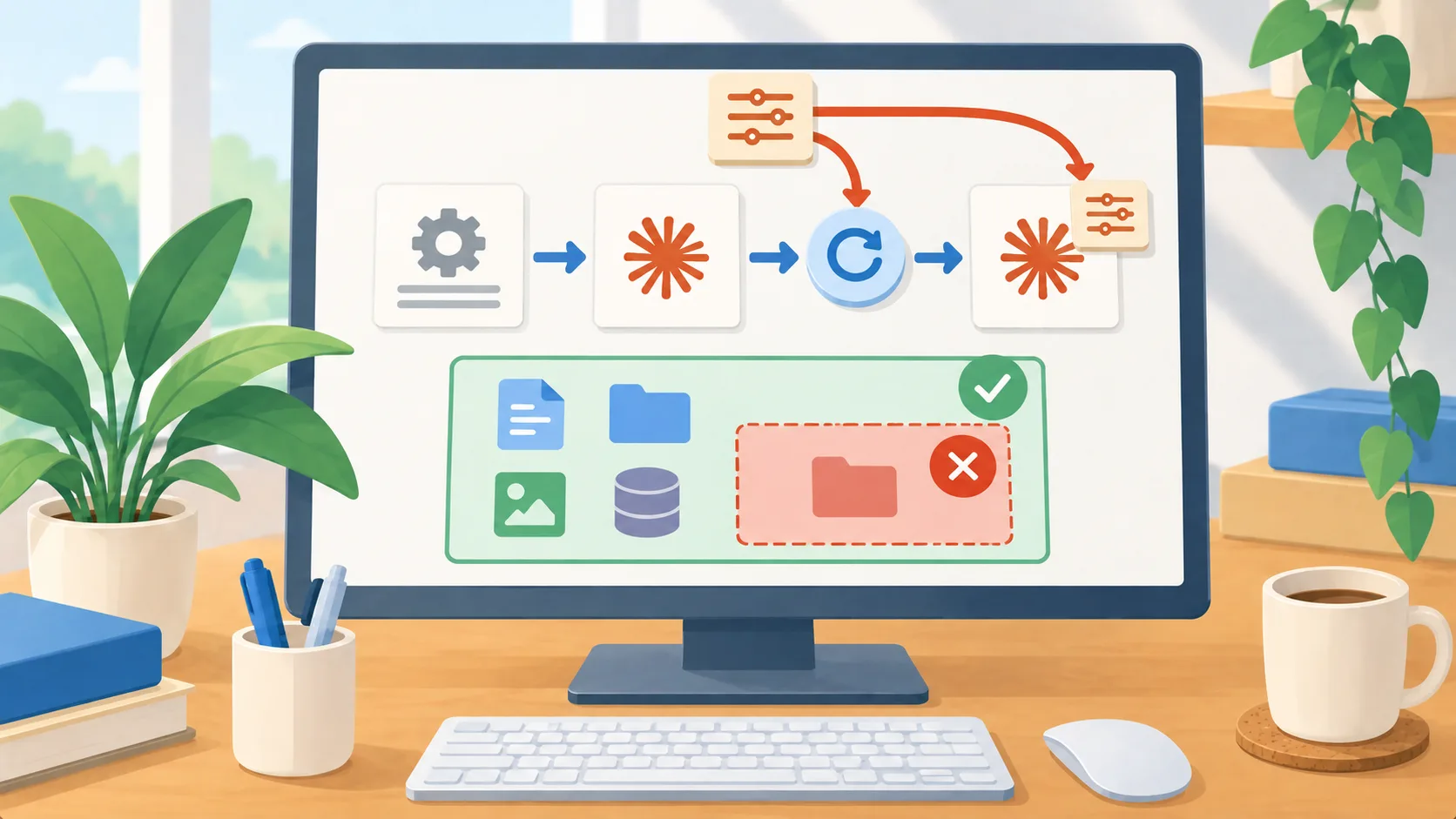
A new environment variable sets the starting model
Anthropic released Claude Code 2.1.236 on August 19, 2026. The release adds `ANTHROPIC_DEFAULT_MODEL`, which sets the model new sessions start with. A user can still choose another model through `/model`, and that manual choice persists across restarts. The same release adds an optional one-time idle notice between Claude Code sessions on macOS and Linux, and changes macOS sandbox handling so wildcard read-deny rules take precedence in allowed read regions.
For a business that standardizes coding tools, the model default is the operationally useful change. It can reduce accidental starts on an unintended model when a developer opens a new session, while leaving an explicit override available. But a default is only a starting point: the release notes say a manual model pick persists across restarts. Teams should therefore distinguish the baseline they configure from the model an individual session is actually using.
Treat the default as a baseline, not a lock
If your team wants a consistent starting configuration, first decide which work is covered. A developer’s routine code explanation, a larger code change, and a task involving sensitive repositories may have different requirements. Document the intended model for each class of work, then confirm how your organization sets environment variables for the Claude Code process. A variable in a shell profile, an IDE launch configuration, and a managed machine policy may have different scopes; test the actual launch paths your staff use instead of assuming they inherit the same value.
Next, make the override visible. A person who changes the model should be able to see that choice and understand whether it will persist. For a shared workstation or a task handed between staff, check the selected model when a session resumes or is reopened. If internal policy requires a particular model, do not treat a default variable as enforcement. Use the controls your organization actually manages, and verify the selected model before sensitive or consequential work begins.
A useful pilot can be small: configure one test machine, open a fresh session through each common entry point, inspect the selected model, choose a different model, restart, and observe what remains selected. Record the result beside the configuration source so staff know whether the default is machine-wide or user-specific. This catches a common configuration gap: the setting exists, but the real session is launched by a different shell or IDE path.
Use idle notices for coordination, not authority
The new cross-session notification can help when one session is waiting for another to finish a task. The release describes it as opt-in and one-shot, with no polling, on macOS and Linux. That can make handoffs less noisy than repeatedly checking another session. It does not make the waiting session’s next action safe by itself. Decide what a session is allowed to do after it receives or acts on a notice, and keep approval requirements attached to consequential actions.
The same release’s macOS sandbox change is narrow but relevant to local file boundaries: wildcard read-deny rules now win within allowed read regions, apply to matching directories’ contents, and cannot be bypassed by renaming a denied file. Keep deny rules targeted and test them with harmless sample files before relying on them for sensitive paths. A release note does not establish that your organization has updated every endpoint or that every filesystem access route is covered.
Roll out the configuration with a visible check
Update a small group first and verify the installed version on each test device. Check the model at session start, after a manual override, and after restart. If the model selection differs from policy, find which launch path supplied it before expanding deployment. On macOS, validate relevant deny rules against representative paths and confirm the intended read behavior. Separately, test the one-shot idle notice only where a human is responsible for the handoff.
The practical next step is to decide whether you want a consistent default for new Claude Code sessions. If so, document the intended model, install the setting through a known configuration path, and ask users to verify rather than infer the active choice. Keep manual overrides and handoff notifications within a clear review process; convenience should not obscure which model is running or who authorized the next step.