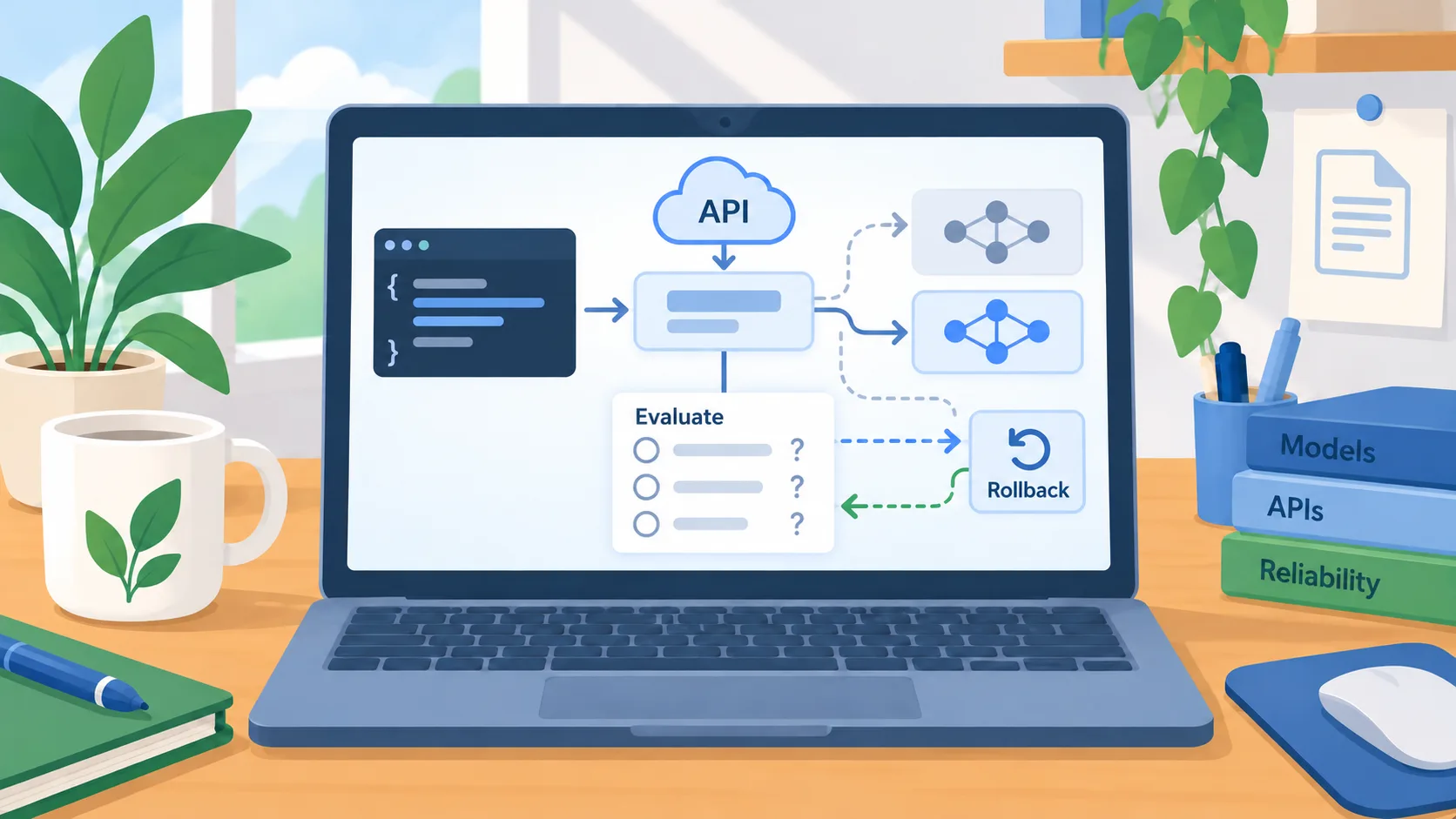
An unchanged model name can still change the workflow
DeepSeek’s July 31 API changelog says the official V4 Flash API release is in public beta and that the calling method remains the same. The provider also says the update changes the model behind that API name while keeping the same architecture and size as the preview. DeepSeek separately notes that the update applies to the API, while its app and web models were unchanged at that time. For a business that stores a model identifier in configuration, this is a useful reminder: stable syntax is not a promise of stable output.
The owner’s decision is practical: if a provider updates a model behind a familiar name, decide whether that automatic change fits your release process or whether you need a more deliberate validation step. DeepSeek’s dated API notes give the team a concrete change to inspect without relying on performance scores or cost comparisons from third parties.
Find every place the model identifier is used
Search your application configuration, automation settings, scheduled jobs, evaluation harnesses, and documentation for the provider and model name. Record whether the system calls the API, uses the vendor’s consumer application, or relies on a third-party tool that may choose the model on your behalf. A developer may know about a code-level setting while an operations team has another workflow configured in a dashboard or integration.
For each path, name an owner and decide whether the model should update automatically. If the provider offers preview and official identifiers, make clear which is approved for production and how a caller can tell them apart. Keep that decision in a place the maintainer will see during a change. This is especially useful when a team is testing several vendors and an environment variable or default may silently select something different than expected.
Rerun the cases that protect the business outcome
Before switching a production workflow, rerun a compact set of sanitized examples that reflect ordinary requests, incomplete input, edge cases, and conditions where the model should stop or ask for help. Check the business result rather than whether the new response sounds better. For extraction, inspect values and source references. For a coding agent, check tests and the diff. For customer-facing text, inspect facts, commitments, and escalation behavior.
Compare the amount of human correction required as well as the answer itself. An updated model may change tool calls, response structure, verbosity, or handling of ambiguity even when its model identifier looks familiar. Keep results with the version or date of the test so that the next provider change has a baseline. Do not treat a small sample as proof of universal safety; use it to catch the failures that matter most to your workflow.
Make model changes reversible
Keep the prior configuration and a clear rollback path until the new version has passed review. If the provider routes a preview alias to a stable release automatically, confirm the timing and identify whether there is a way to pin or select the prior behavior. Check usage limits and account availability through the official console rather than relying on a third-party setup guide. Make sure the team knows whom to contact if an output change affects operations.
For low-risk drafts, a monitored update may be reasonable. For a workflow that writes records, moves money, contacts customers, or makes a consequential recommendation, require a human review during the transition and keep the final action outside the model’s authority. The correct level of control depends on the cost of an error and the organization’s ability to detect and reverse it.
A simple next step
Ask the owner of each AI-enabled workflow to note its provider, model identifier, release channel, and last validation date. Add a short test-and-rollback step to the change process for any workflow where model behavior could alter a business result. That makes provider updates visible without requiring a new platform or a lengthy approval chain.
DeepSeek’s July release is one example of a provider changing an API model while the call pattern stays familiar. The larger lesson is to treat model names as configuration that deserves review, not as a permanent quality guarantee.