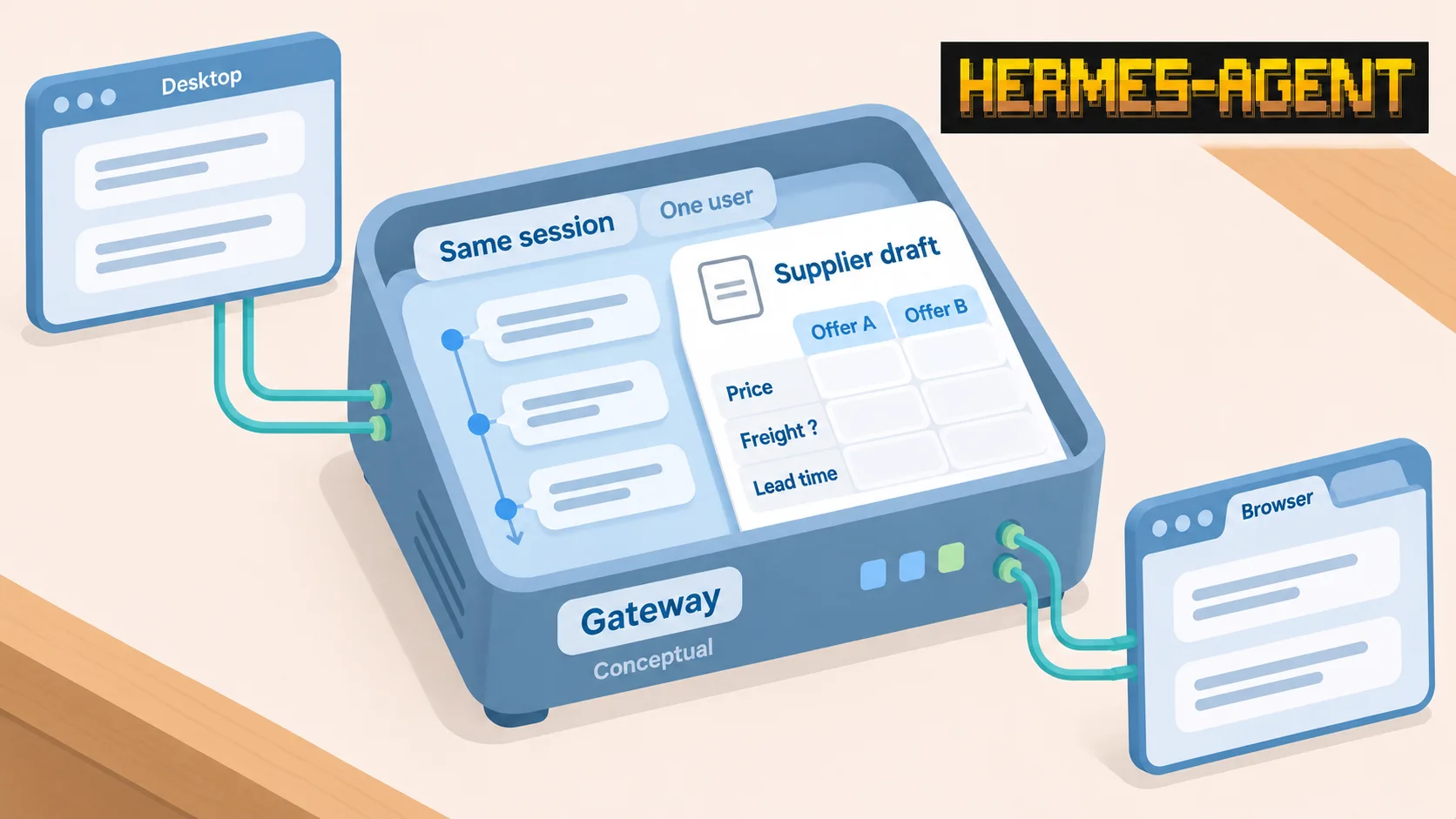
A browser workspace, with an earlier first mention
Nous Research dated Hermes Agent v0.23.0 to November 5, 2026. Its curated release describes a Webapp served by the user's gateway, exposing the Desktop workspace's chats, Group Chats, plugins, and settings in a browser. It is off by default. The release rolls up v0.22.1 through v0.22.7; v0.22.6 notes, published November 2, already mention the Webapp and Desktop Web Access. They do not establish the first usable date. The single-gateway conversation architecture dates to v0.22.0, so it is not new in v0.23.0.
The owner question is whether work can continue across screens without asking a second agent run to reconstruct it. A supplier comparison is one bounded example, since its open questions and source facts need to stay together.
Keep one supplier comparison moving
Suppose you are reviewing two supplier offers. The draft records quoted price, freight, lead time, and conditions that could change the total. If freight is missing or delivery has no date, mark it as an open question instead of filling in a guess. The assistant can organize approved facts and identify what still needs checking; the owner decides between suppliers.
If work begins in Desktop and continues in its browser workspace, the same conversation can retain the open question and draft context. The owner can resume on another screen without pasting history into a fresh run and reconciling two drafts. This workflow is proposed, not tested by ShepBuild.
The same session depends on the same gateway
The Desktop guide says the Webapp and CLI, native Desktop, and messaging use the gateway's same conversation and queue. But another gateway or profile can have separate history. The release does not promise to merge conversations across gateways.
Before moving a supplier review, check that both views use the same gateway and conversation. Confirm that the browser shows the pending question and latest draft. If it does not, find the right session before adding facts; a second run should not be assumed to inherit the first run's context.
Treat browser access as the owner's access
The Webapp is documented as single-user: a signed-in tab acts as that user, not as a team portal with separate permissions. Hermes warns that the user can run tools and commands as the gateway's operating-system account. The Webapp is off by default; remote access depends on sign-in and network configuration. This is a product boundary, not a privacy guarantee or advice to expose a gateway publicly.
Keep the browser session with the gateway account's owner. Use only approved quote facts, and leave purchase orders and supplier messages outside the assistant's authority. The goal is a reviewable draft and list of missing information, not unattended purchasing.
A small check before relying on the handoff
Before a time-sensitive decision, try a harmless sample comparison. Start a draft in Desktop, switch to the browser on the same gateway, and confirm the question and draft appear. Add a labeled missing field and see whether the existing draft continues without creating another conversation. This is a suggested check; it was not performed for this article.
A successful handoff would show the owner can resume the same queue and history. It would not validate the comparison, verify supplier terms, or approve a purchase. Check each figure against its source and decide what to do. Map this handoff and review boundary before automating the next step.