A tag is useful, but a rollup is not a feature-by-feature guarantee
NousResearch published Hermes Agent v0.21.1 under the v2026.9.7 tag on September 7. It gathers development since v0.21.0 into a patch for installations that pin releases. The notes group changes by parts of the system: startup and files, model-provider connections, desktop and browser sessions, MCP access, scheduled work, and delegation. A complete feature inventory is deferred, so this tag should be evaluated against the dependencies of your own deployment.
For a business operator, that caveat is more important than the broad list. A rollup can be the right way to package active development, but a deployment owner still needs to identify which behavior matters to their installation. The release summary is a map of possible change areas, not a test report for your configuration, integrations, or data.
Start from the way the agent is actually deployed
Before upgrading, record the current tag, how it was installed, the configuration files and environment variables that affect it, and any local patches. Identify which models, tools, browser sessions, schedules, and external systems the deployment can reach. The same version can behave differently across a developer laptop, a shared server, and a managed container because the permissions and network paths differ. Do not assume a local setup command is appropriate for an owned service.
Use the project’s documented update method for the deployment type. For managed installations, keep the version pin and use the normal deployment mechanism rather than piping a live installer into a privileged environment. Save enough information to restore the previous release and configuration. Confirm that the rollback path works in the environment where you intend to upgrade; a note that says “reinstall old version” is not a recovery plan unless the old artifact and required settings remain available.
Test the changes that touch your operating surface
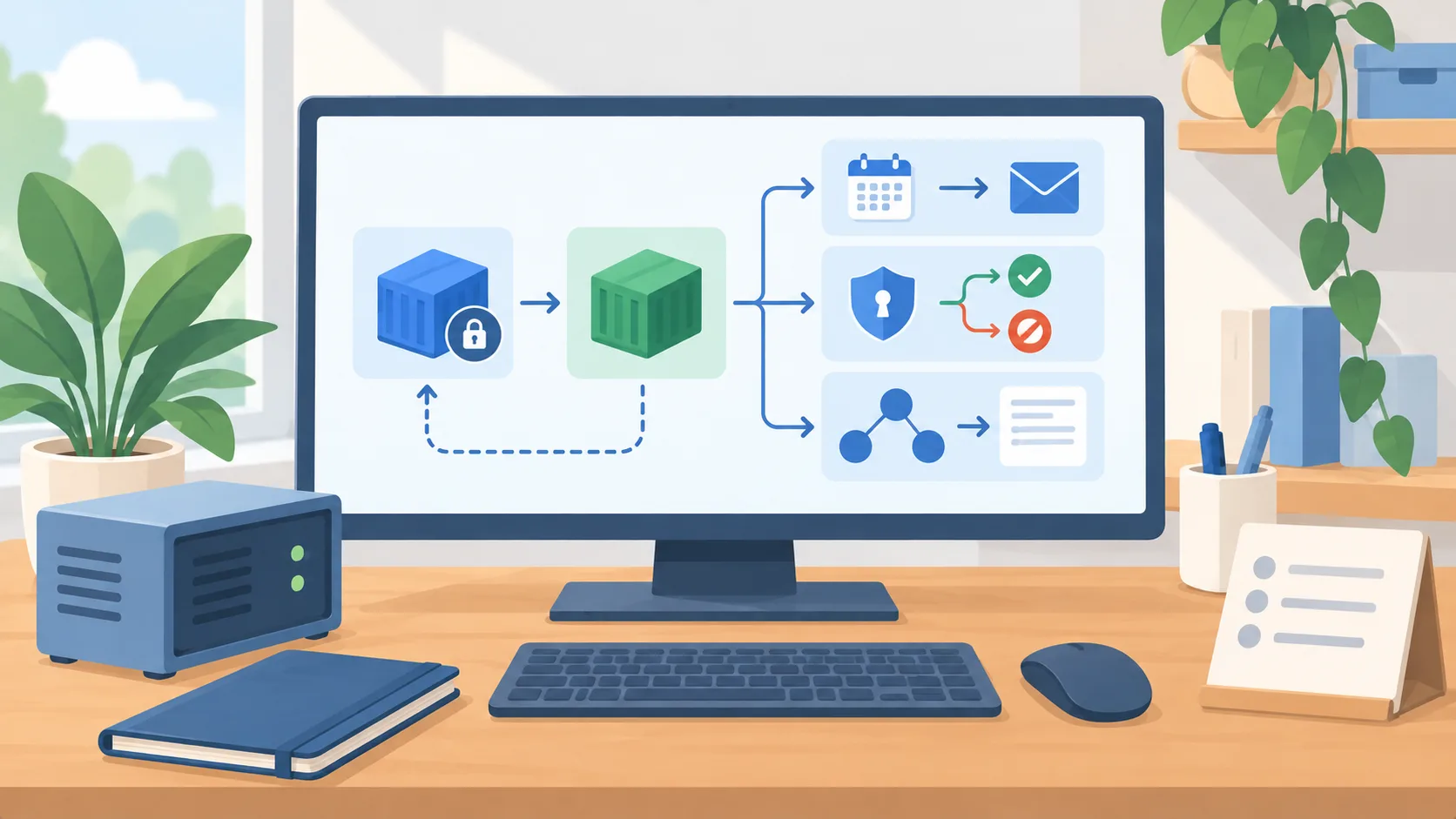
Translate the release categories into a short test plan. If your workflows use scheduled jobs, confirm one expected run, one missed or delayed run, and the resulting delivery record. If they use delegated agents, verify which instructions, context, and approvals move between the primary and delegated work. If MCP servers are connected, check authorization with both an allowed action and a denied action. If browser sessions are in use, confirm the visible session state and the boundary around signed-in pages.
These tests should observe real outputs without giving the test agent unnecessary access. Start in a disposable workspace or staging account. Use synthetic records. Capture the version, configuration, input, output, and reviewer decision for each case. A test that merely proves the process starts does not show that a scheduled task sends to the right place or that a delegated tool call remains within the intended scope.
Treat broad release language as a prompt to inspect risk
The release mentions both productivity-oriented areas and controls such as MCP authorization. Do not infer that the presence of an authorization change means your policy is safe by default. Determine the behavior the version documents, then test the actual configured server and credentials. Likewise, performance work in a release summary does not establish how your workload will change. Measure the tasks you care about under equivalent conditions, and keep the result scoped to that environment.
Create a small change record that says what you plan to use, the checks required, who approves the production rollout, and what condition triggers rollback. If the release does not include a detailed note for the behavior you depend on, hold that path for a closer review. You can still test unrelated parts in a bounded environment; the decision need not be all or nothing.
Keep the deployed version supportable
After the upgrade, monitor the expected operational signals: process health, task completion, tool errors, scheduled delivery, and human review exceptions. Compare the results to the known previous state without inventing a target improvement. If a workflow changes unexpectedly, revert first when the impact is material, then isolate whether configuration, permissions, or the new code caused it.
A durable agent deployment needs an owner who follows releases, maintains a version pin, and can explain its access. When that ownership is missing, the first step is not a broad upgrade. Map the deployment and write the recovery instructions. Then you can decide whether this rollup has a relevant benefit and enough evidence to justify the change.