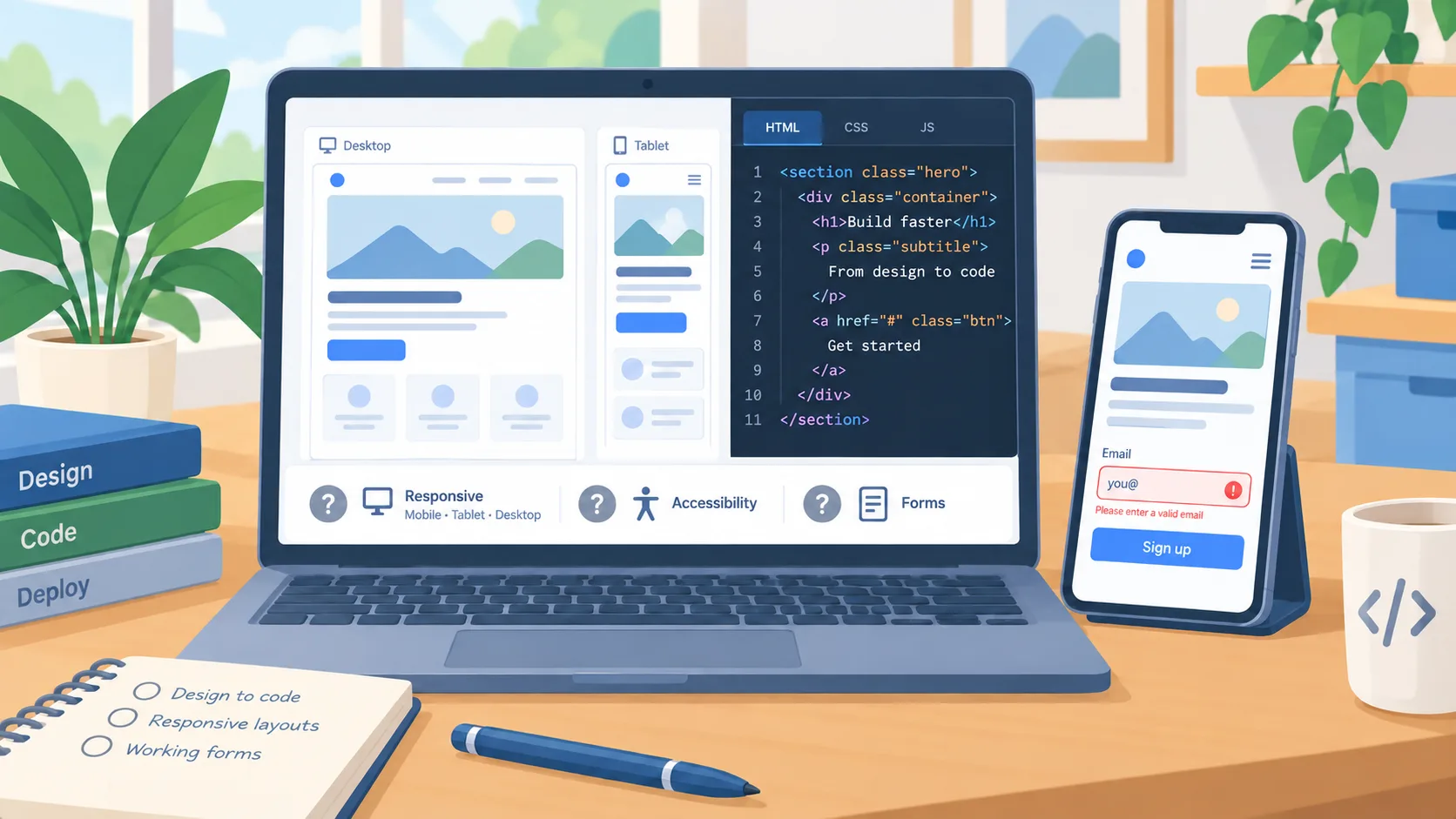
The visible demo is a starting point, not the acceptance test
A design-to-code agent can shorten the path from a rough request to a running page. Kombai’s changelog described design mode, model choice, and inspiration templates before August. Those documented features make the workflow worth evaluating when a small team wants to explore interface options with less handoff between design and code.
The changelog does not establish that the resulting page is ready for customers or that the stated time savings will repeat in another project. A polished screenshot can hide missing interactions, inaccurate copy, inaccessible controls, brittle layout behavior, or an implementation that does not fit the business’s existing code and analytics. Treat generated work as a prototype that needs an owner and an acceptance review, even when the visual result appears complete.
Pick a contained page with real acceptance criteria
For a first trial, choose a landing page or internal screen that has a clear purpose and does not expose sensitive data. Give the agent approved brand assets, required content, the target audience, and a short list of required actions. Define what success means before generation: the visitor can understand the offer, find the next step, use the page on a phone, and complete the intended task. Keep account creation, payment, legal disclosures, or other high-consequence behavior out of the pilot unless the team can review those elements properly.
Ask for more than one design direction if the tool supports it, then have a person choose the direction against the brief. Compare the candidate to the actual brand and customer need, not just visual novelty. Check every claim, label, link, and image. If the agent invents testimonials, prices, service promises, or capabilities, remove them and record the failure as a test case. The business, rather than the generator, remains responsible for what customers see.
Review the implementation in the browser
Open the generated page at representative screen sizes and test it with a keyboard. Confirm heading order, focus visibility, readable contrast, image descriptions, and sensible behavior when text wraps or is enlarged. Try each button and form. Check required and invalid inputs, success and error states, and where submitted information goes. A design preview can show the intended surface while leaving the data flow, validation, and confirmation behavior unresolved.
Ask the developer to inspect the underlying code and dependencies before merging it into the main product. Verify that shared components and styles are reused where appropriate, that secrets are not embedded, and that analytics or tracking match the organization’s policies. Run existing checks and review the changes as you would review any other contributed code. A browser agent or visual editor can speed iteration; it does not replace maintainers who understand the system the page will join.
Keep approval and rollback with the owner
Make one person accountable for approving content and one for approving the technical change. Keep the prototype separate from the live site until both reviews pass. If the page affects lead intake, sales claims, or customer data, involve the person who owns that process. Preserve a version that can be restored and check that the team knows how to revert the page if a form breaks or a policy changes.
Set a boundary for what the agent may do on its own. Generating a draft or opening a local preview may be acceptable; publishing, changing a live database, or sending messages should require a separate, explicit human decision. This distinction lets the team try useful automation while keeping authority for customer-facing and irreversible actions in the hands of the business owner.
Decide from one complete pilot
Compare the time spent from initial brief to approved page, including correction and review time. Record which parts the tool accelerated, which parts still needed a specialist, and whether the final result met the acceptance criteria. Do not count a generated screen as completed work if the copy, responsive behavior, form, or integration remains unfinished. The useful measure is whether the entire path to a maintainable, approved page became easier.
If the pilot succeeds, expand to another low-risk page and preserve the checklist. If it fails, keep the material as a sketch and improve the workflow. The decision is whether your team can turn the output into a dependable part of the business.